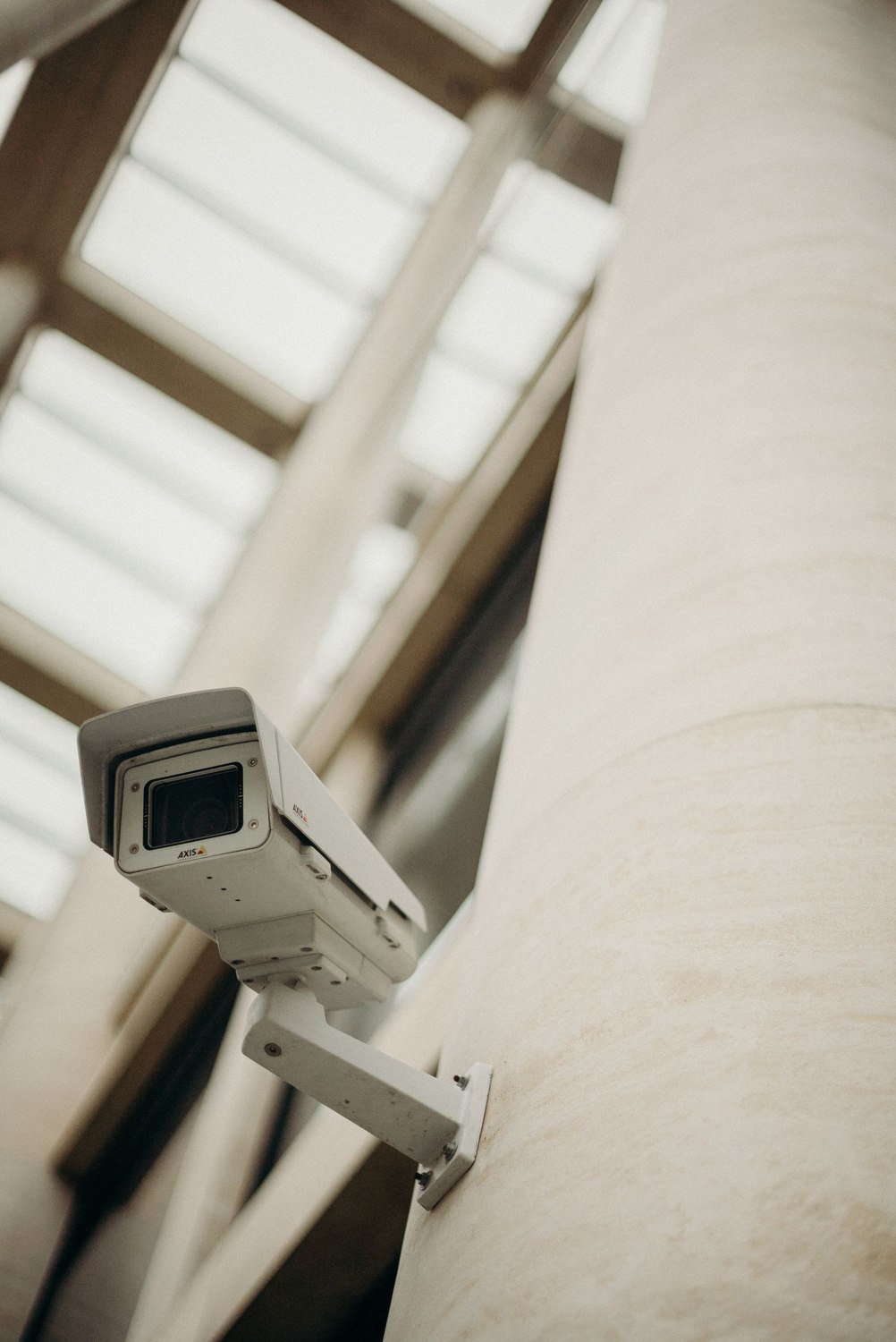
An offline message describes what the app cannot currently reach. It does not identify the broken part. The camera may lack power, the local network may be unavailable, the service account may need attention or the viewing phone may have its own connection problem. Start by narrowing that list.
Note when the camera was last known to work and what changed afterward. A router replacement, battery recharge or power interruption is more useful information than the number of times you have reopened the app. Save the exact error text if possible, without exposing device identifiers in a public screenshot.
Look at the rest of the household system. If several devices went offline together, check their shared connection or power source. If only one camera is affected, compare its location and supply with the devices still working. Do not unplug everything simultaneously; that removes the distinctions that could explain the fault.
Follow an accessible path
Check ordinary, safely accessible items first: whether a removable battery was properly reinstalled, whether the approved adapter is connected, and whether the router appears to have its normal service. Leave damaged electrical parts, elevated mounts and sealed outdoor connections to appropriate help. An app error is not a reason to open mains equipment.
For a cellular camera, inspect the service account and allowance through the provider's known app or website. For Wi-Fi equipment, establish whether the network name or password changed. Reolink's network documentation distinguishes these connection arrangements; the right troubleshooting question depends on which one your camera actually uses.
If a restart is recommended, use the model's documented method and allow it to finish. Then repeat one clear test. A factory reset is a different action and may remove settings or recordings, so it should not be the reflex response to a brief outage.
After the image returns, review a newly recorded event. A restored live view does not prove storage resumed. Check the timestamp and any relevant notification, then note the successful result and the change that preceded it.
If the fault returns, preserve the pattern for support: one device or several, at particular times or continuously, after a recent change or without one. A short factual record can save a long sequence of speculative resets. It also helps distinguish an intermittent problem that still needs attention from a one-off interruption whose cause is understood.