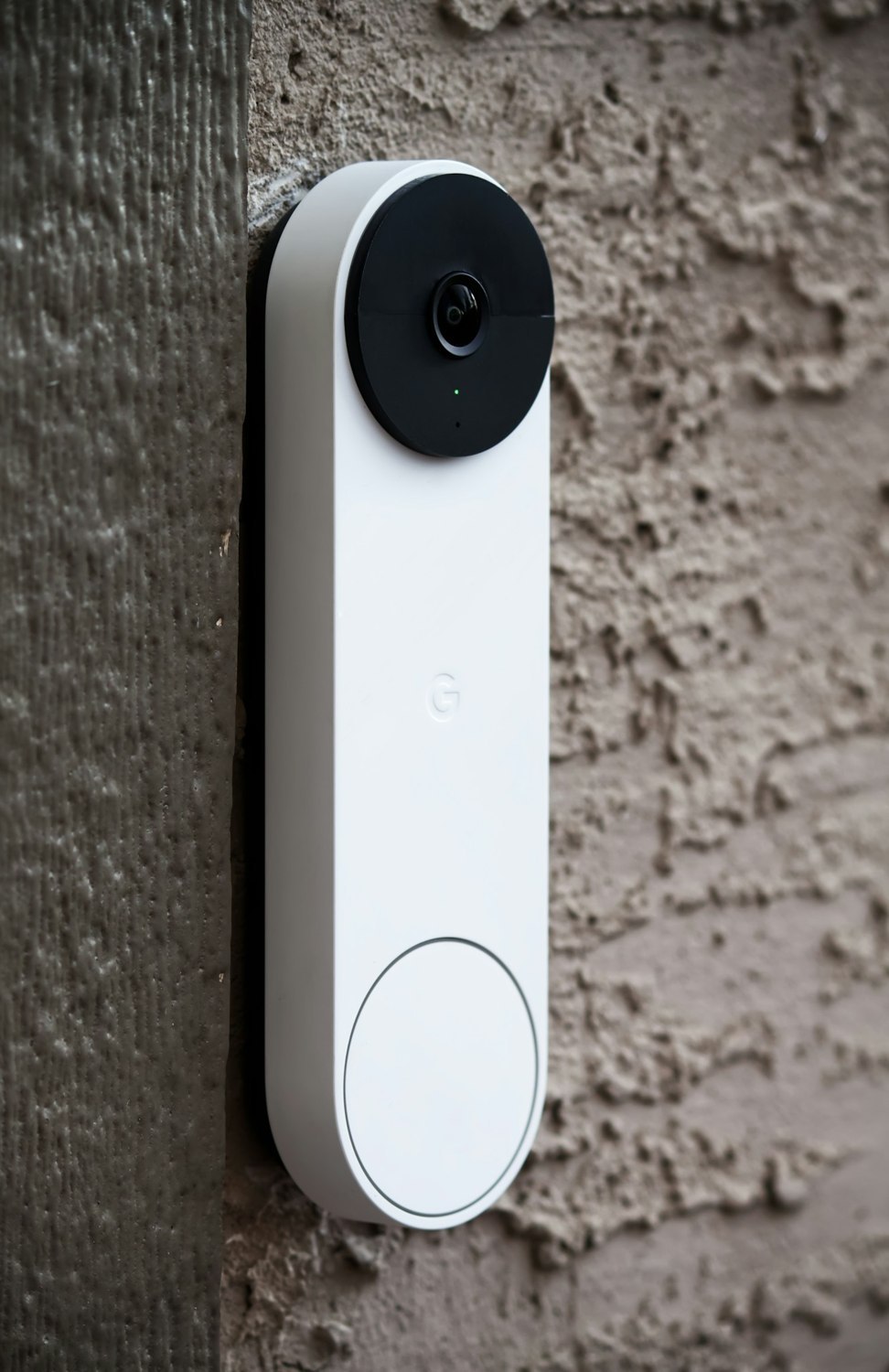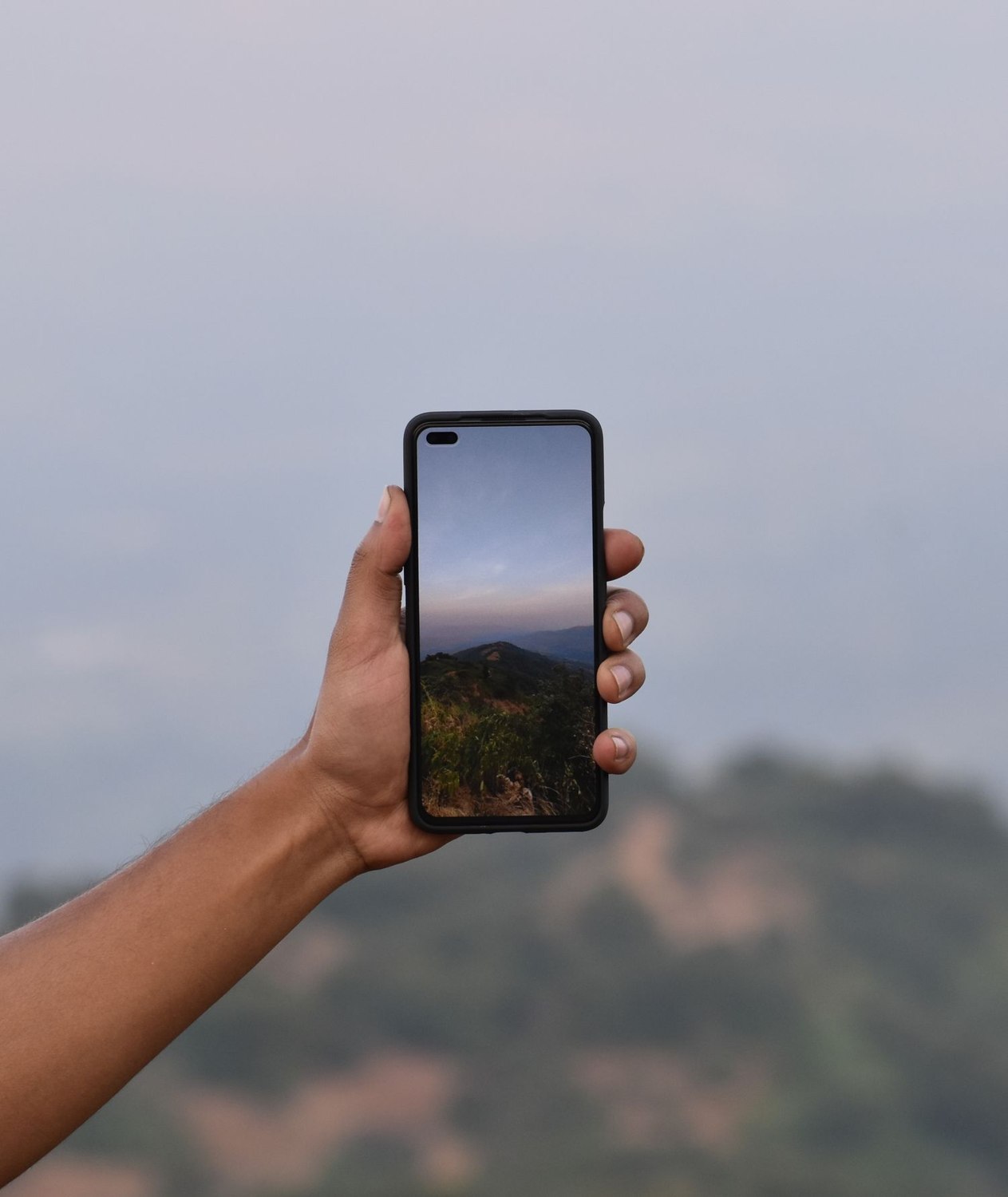
The setup app shows a clear live picture while your phone is connected to home Wi-Fi. That proves something useful, but it does not fully represent checking the entrance from another location. Remote access adds the home internet connection, the service or supported access method and your phone's connection to the path.
Before leaving the property, turn Wi-Fi off on the phone and confirm that mobile data is available. Open the camera through its normal supported app. Check the timestamp or visible movement so that you know you are seeing a live stream rather than a recently cached image.
Try the functions you expect to use away from home: opening live video, playing an existing event and receiving a new alert. If two-way audio matters, test that too. These functions may not all behave identically when a connection is slow or a permission is missing.
Interpret a failed test carefully
If nothing loads, check the phone's general internet access first. Then inspect the camera's reported connection status and any service-status information from the provider. Confirm that the correct account has access. A restricted household account can behave differently from the owner account used during setup.
Home upload capacity can matter for sending video out, while the phone needs a usable receiving connection. A fast download result at home is not a complete assessment. Try a lower supported live-view quality to distinguish a performance problem from a total loss of access, without assuming that a lower-quality view changes the saved archive.
Keep the supported access route
Do not respond to a remote-viewing problem by disabling the router's firewall or exposing camera ports broadly to the internet. Use the manufacturer's supported instructions and secure account features. Network changes made without understanding their effect can create a larger problem than a failed stream.
Repeat the check after replacing a router, changing internet providers or moving account ownership. If the property will be empty for a long period, include a plan for someone to investigate locally when a device cannot reconnect. A remote test verifies today's working path; it does not remove the need for an accessible recovery route when power or equipment later fails.