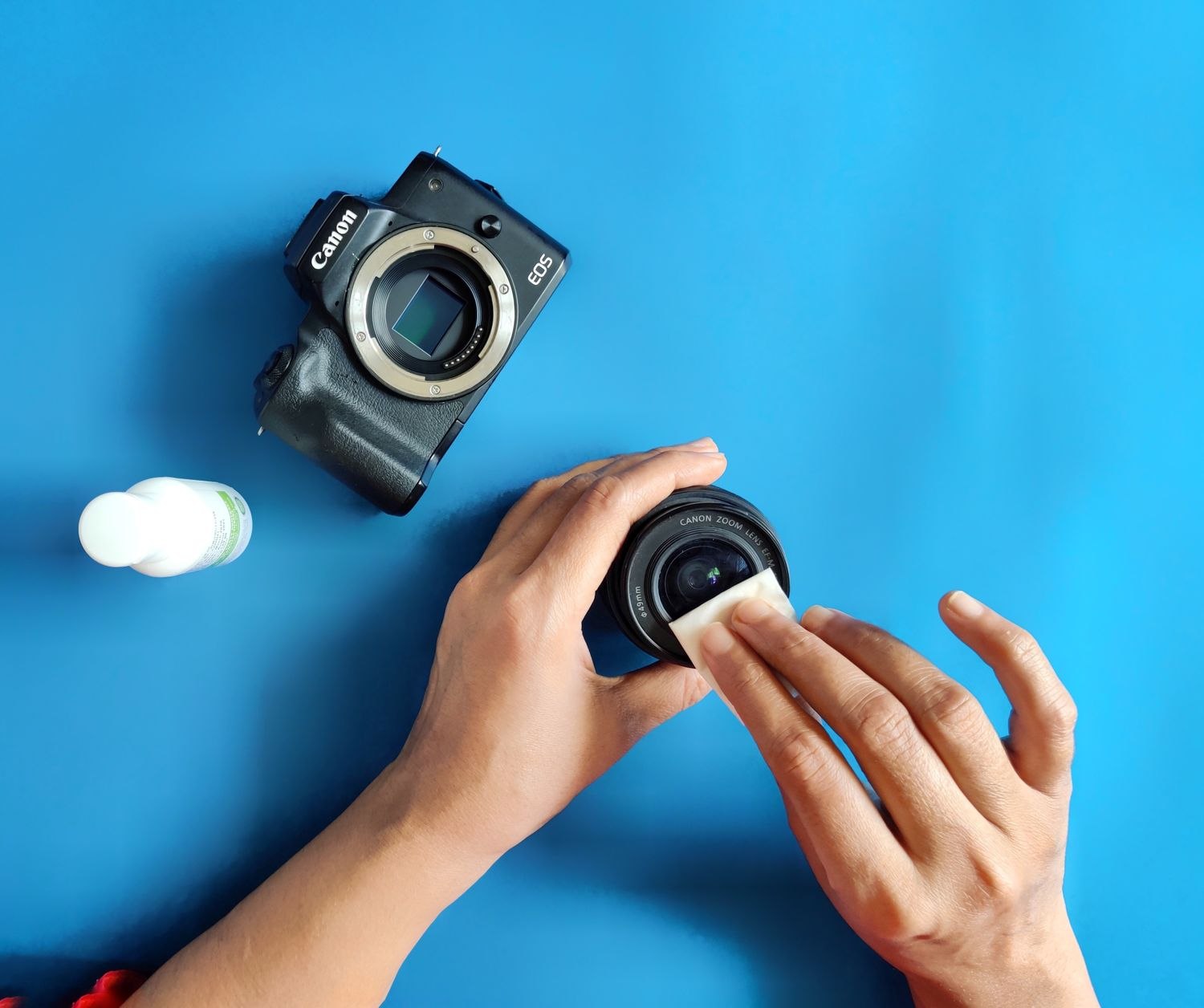
A hazy patch in a camera image can be a fingerprint, dried water or dust rather than a failing sensor. Look at the accessible exterior before changing video settings. If the mark stays in the same part of the picture through different scenes, the lens or protective cover is worth checking.
Find the cleaning instructions for the model. A camera lens, a plastic dome and the painted housing may have different requirements. Google, for example, recommends a soft lint-free cloth for Nest cameras and cautions against household glass cleaner, rubbing alcohol and submersion. That does not make every optical cleaning product suitable for every other camera.
Remove dirt without grinding it in
Work from a stable, safe position with the camera supported as instructed. If it cannot be reached safely, arrange help instead of stretching from an unsuitable ladder. Avoid pulling the mount out of alignment while trying to polish the surface.
Use the approved method to lift loose dust before wiping a smudge. Do not scrub gritty material across the lens or use paper products that the manufacturer warns may scratch the coating. If moisture is permitted, apply it to the cloth in the specified manner rather than spraying into the device or connectors.
Keep cleaning of the optical surface separate from work on the power connection. Follow any instruction to disconnect power before cleaning the housing or cable. Do not open a sealed camera because moisture appears behind its cover; that is a different problem requiring the supplier's advice.
Afterward, check the view in normal light and, if the original problem appeared at night, again after dark. A daytime image can look clear while residue or a nearby surface still causes infrared reflections. Compare with the earlier image if you saved one, and confirm that the camera has not shifted toward a neighboring window during cleaning.
Make cleaning part of observation rather than an aggressive fixed ritual. A camera sheltered under an eave may need different attention from one beside a dusty driveway. Notice recurring pollen, sprinkler spray or water spots and consider whether the approved mounting position can be improved.
If the image remains blurred after careful cleaning, stop applying stronger products. Check the manufacturer's troubleshooting guidance for focus, condensation or other faults. Cleaning should leave the equipment in better condition; repeated polishing is not a diagnosis and can turn a removable mark into permanent damage.