“Low battery” and “offline” can appear next to the same sensor at different times, but they do not describe the same observation. One concerns the device's reported power condition. The other concerns communication. A flat battery can contribute to lost communication, yet it is only one possible explanation for a sensor that stops reporting.
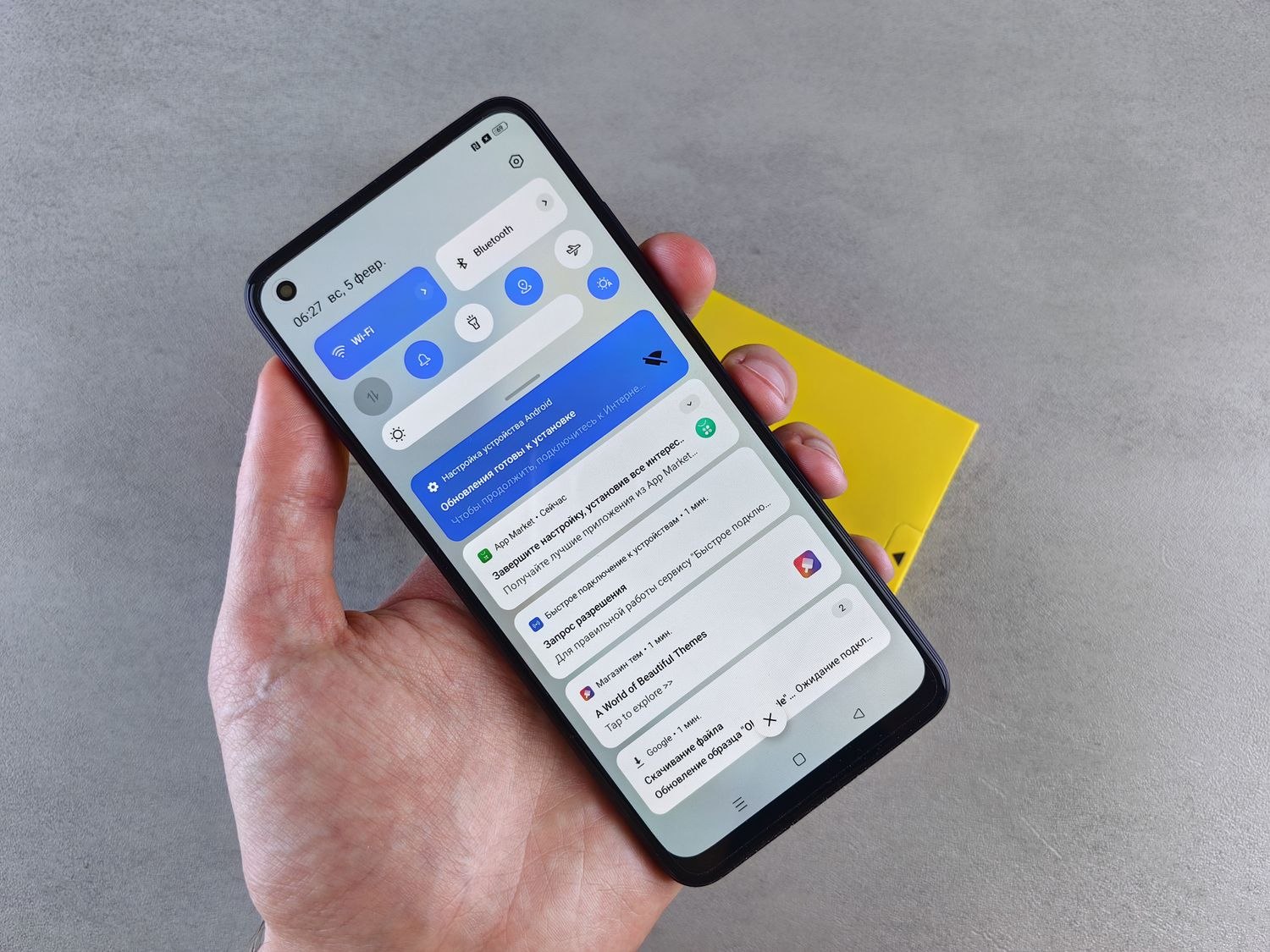
Begin by checking the device name, the warning text and the last update time. A screenshot can preserve the wording for support, provided it does not reveal private account details. Make sure the app is referring to the physical sensor you intend to inspect; unclear room names often complicate simple maintenance.
For a low-battery warning, follow the manufacturer's replacement instructions and use the specified type. Do not mix old and new cells or substitute a rechargeable chemistry unless the device permits it. Keep small batteries away from children and pets, and handle disposal through a suitable collection route.
Check whether the status returns
After the approved replacement process, allow the device the time and communication opportunity described in its guide. A status screen may not refresh instantly. Verify normal operation rather than assuming that inserting a new battery settles everything.
If the sensor is offline, look for recent changes: the hub moved, a range extender lost power, furniture was rearranged or the device was knocked from its mounting. Check the base station's own status too. Several missing sensors at once suggest a different starting point from one isolated device.
A tamper notification belongs to a separate category. It can indicate a cover or mounting condition rather than low power. Ring's guidance explicitly distinguishes a physical tamper-switch event from a loss of communication. Read the correct troubleshooting instructions instead of treating every red icon as a battery problem.
Avoid repeated factory resets as an early response. Resetting may remove configuration and create more work without addressing the original cause. Record what you have already checked, then ask support for the next appropriate step if the warning persists.
When the sensor returns to normal, confirm its location name, included alarm modes and ordinary state changes. Keep the replacement date in a maintenance record. The valuable result is a working device with an understood cause, not merely a temporarily cleared warning screen.