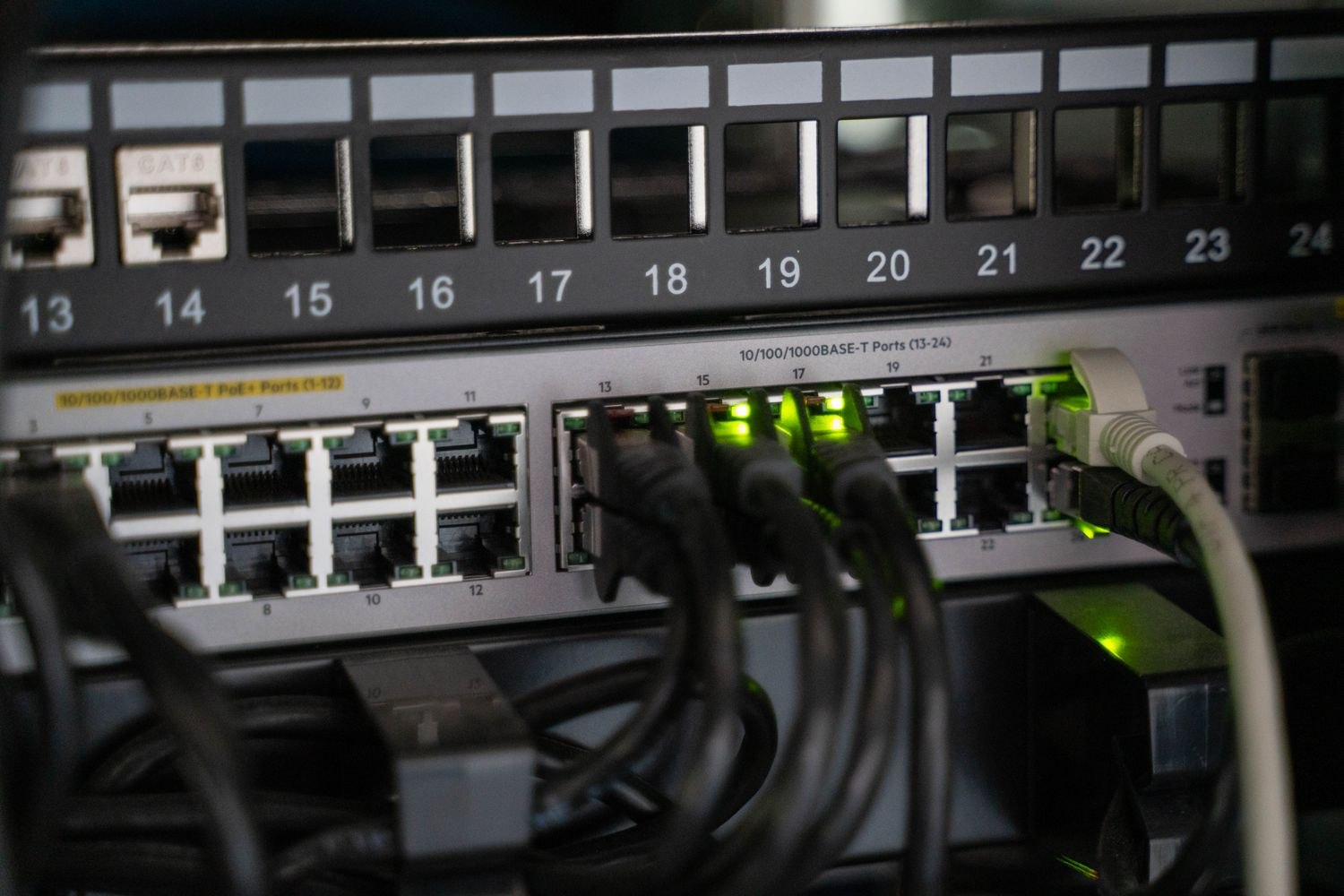
An eight-port switch looks as though it should power eight cameras. That conclusion skips two checks: how much power each port can provide and how much power the switch can provide across all ports together. A spare socket may be available even when the remaining power budget is not enough for the next device.
PoE, or Power over Ethernet, can carry power and data over a suitable network connection. Equipment must support compatible power arrangements. Ubiquiti's guidance distinguishes IEEE PoE standards and device requirements; it also discusses passive power arrangements separately. A connector that fits is not a safe substitute for checking those specifications.
List each intended camera and its documented maximum power requirement. Include other powered devices already on the switch, such as access points. Compare the total with the switch's available budget and each device with its port's capability. Use the exact switch model and power supply configuration, not a generic description from a product family.
Leave the calculation visible
Imagine four devices whose published maximum requirements add to 52 watts. That total is the start of the comparison, not a reason to buy any switch with four PoE sockets. Confirm the appropriate standard, power available per port and total supported budget. Leave reasonable expansion room rather than planning to use every stated watt immediately.
A device may need more power when particular features operate, so a quiet daytime reading should not replace the maximum requirements in your plan. Night illumination, movement or other features can change demand depending on the model. Follow the equipment documentation rather than assuming every small camera draws the same amount.
Also identify which sockets actually supply PoE. A switch may include ordinary uplink ports alongside powered ports, and the front-panel numbering alone may not explain the difference. Mark your intended connections on the worksheet before installation. If the switch offers a management screen, use its documented status information to confirm the arrangement afterward rather than assuming an unused socket is powered.
An individual injector is another possible component, but it still needs to match the device's supported power standard and its own power supply. It does not remove the need for a budget; it moves part of the power arrangement into a separate box. That may be useful for a small installation, while creating another outlet and another component to maintain. Include it in any backup-power plan so a camera does not lose power while the main network switch stays alive.
Cable suitability and the full installation also matter. Do not add an unknown injector or passive adapter to force an incompatible combination to work. For exterior runs, arrange appropriate cable, connectors and protection through a qualified installer where needed. The power calculation does not resolve environmental or electrical installation questions.
After installation, check the switch's supported status information and review camera behavior under normal operating conditions. If several cameras restart when another device is added, preserve the event details for troubleshooting instead of repeatedly resetting them all.
Keep the power worksheet with the device inventory. When adding a camera later, update the total before ordering. This small record prevents an appealing “one more port” upgrade from becoming an intermittent fault that appears only when the equipment is busiest.