Traffic, wind and a door that closes heavily can make a short exchange through a doorbell surprisingly awkward. You hear fragments, the visitor hears an echo, and both people start speaking again at the same time. Turning up the volume may make the problem louder without improving the conversation.
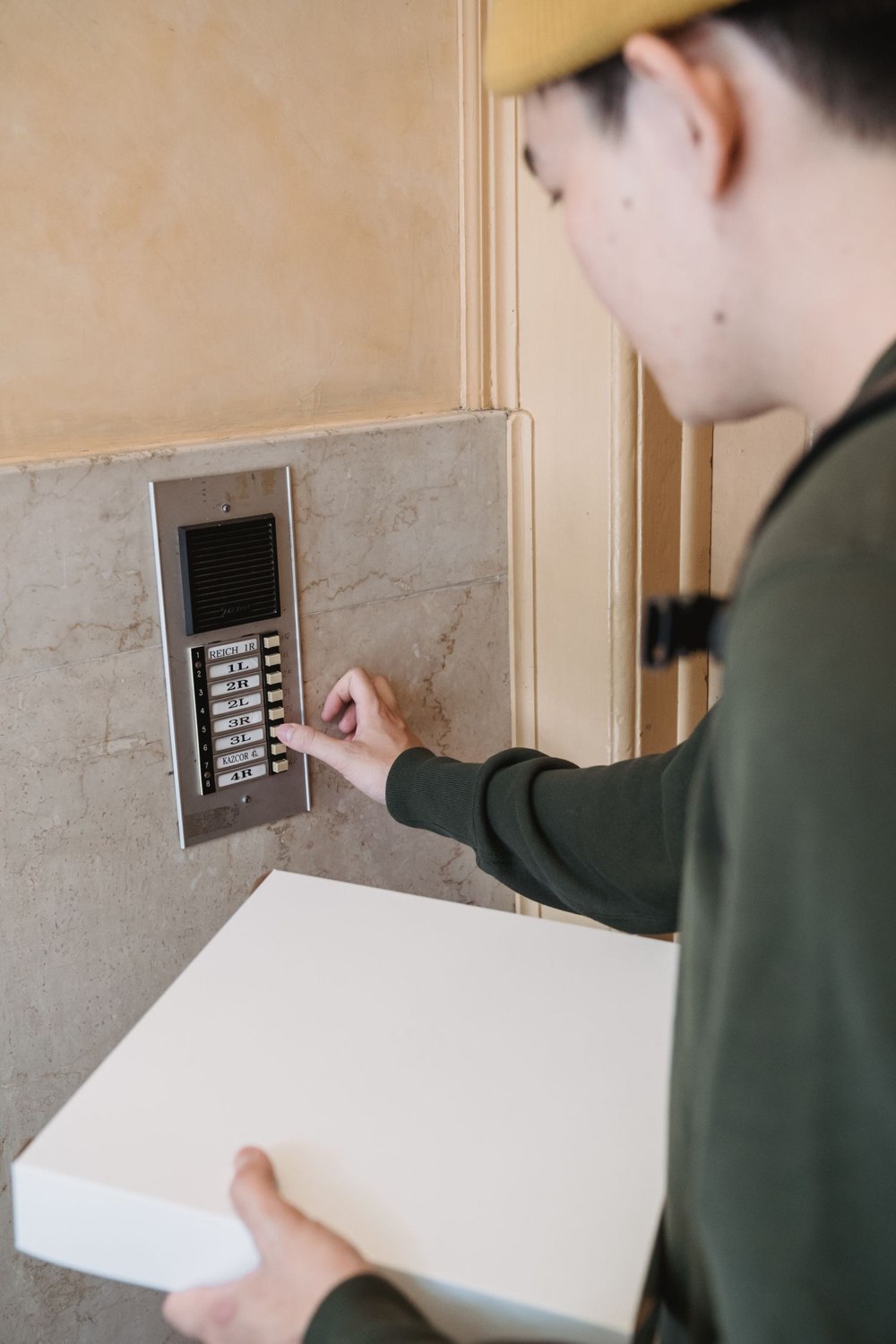
Set up a simple test with someone at the entrance and someone answering from a quiet room. Use the same phone and account that would normally receive a visitor. Check the app's microphone permission, the phone's selected audio output and any separate speaker controls on the camera. A Bluetooth headset can redirect sound when you expect it to come from the phone.
Speak, pause, listen
Products differ in how they handle simultaneous speech. Some use a press-to-talk interaction, while others allow a more ordinary conversation. Follow the controls shown for the specific model, speak in short phrases and leave a pause for the response. A delay can make a natural overlap sound like a broken connection.
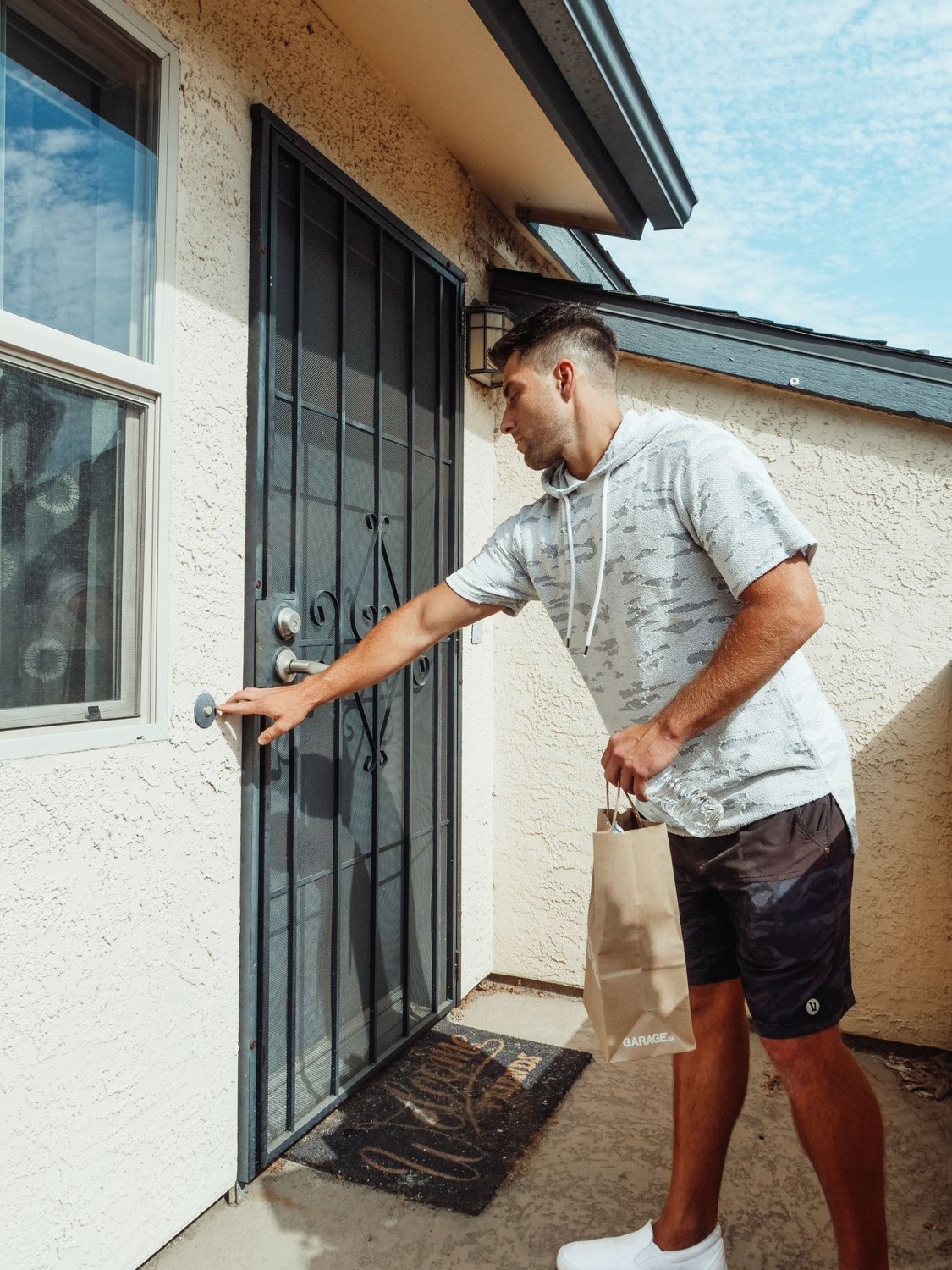
The visitor's position matters. Someone standing far to one side or behind an open screen door may be harder to hear than someone waiting directly by the button. Check the ordinary standing position rather than coaching the tester to lean close to the microphone.
Repeat the exchange with normal street noise. If wind is the main issue, inspect the manufacturer's positioning advice; do not cover microphone openings with tape or an improvised weatherproofing material. Such changes can impair sound or the device's protection.
Test the actual remote connection
A conversation answered over home Wi-Fi is only one case. Try answering through your phone's cellular data as well, where available, to represent being away. Slow or interrupted sound may relate to the connection rather than microphone volume. Compare the live picture and audio behavior before changing multiple settings.
Avoid treating two-way audio as a reliable identity check. A recognizable voice or a clear picture can help you decide how to respond, but it does not turn a remote conversation into proof that a person should enter. Keep any unlock decision separate.
If audio recording is enabled, remember that the microphone can capture more than the visitor's reply. Use the feature for a defined purpose, review its privacy settings and let ordinary household conversations remain outside the recording where possible.