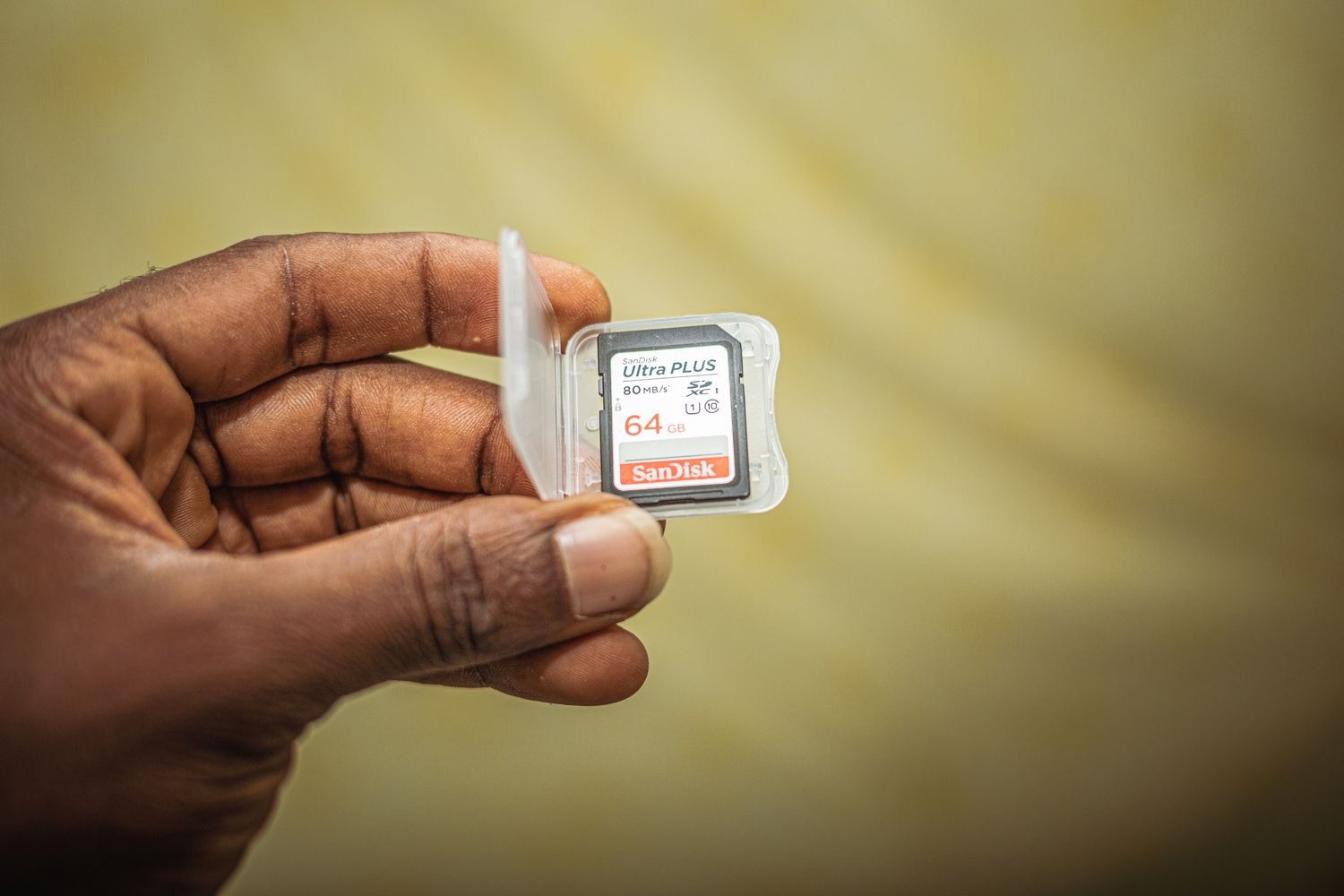
A camera's memory card is a working store, not an endless archive. When it fills, the next action depends on the product and its settings. Some arrangements overwrite older recordings; others may stop saving until space is available. Know which behavior your camera is configured to use before an important clip reaches the end of its stay.
Open the supported storage controls and read the overwrite setting. Reolink, for example, documents overwrite options that vary across devices. Do not assume that a switch remembered from one camera appears in the same place or has the same effect on another.
Then inspect the actual history. Find the oldest available recording and compare it with your needs. The useful retention period can change with recording activity and quality, so a card's capacity alone does not promise a fixed number of days. A busier scene may replace old material sooner than a quiet one.
Save anything important through the approved export process and confirm the saved file opens. Do this before formatting, replacing the card or making another destructive change. Reolink's formatting instructions explicitly warn that the card's data is erased. Formatting should not be a casual response to every unexpected gap in the timeline.
If recordings stop when you expected automatic overwrite, check the relevant setting and the card's compatibility and status. Use the requirements for the exact camera, including supported capacity and type. A card detected by the app is not proof that it is recording reliably.
After a supported change or replacement, create a modest test event and play it back. Keep the removed card secure until you have decided whether anything on it needs preserving. Follow appropriate secure disposal or reuse guidance for storage containing private footage.
The household needs only a simple rule: where recordings are kept, roughly how the current arrangement behaves, and how to save a clip elsewhere. That is more useful than assuming the camera will retain an event indefinitely because the card looked large when it was purchased.