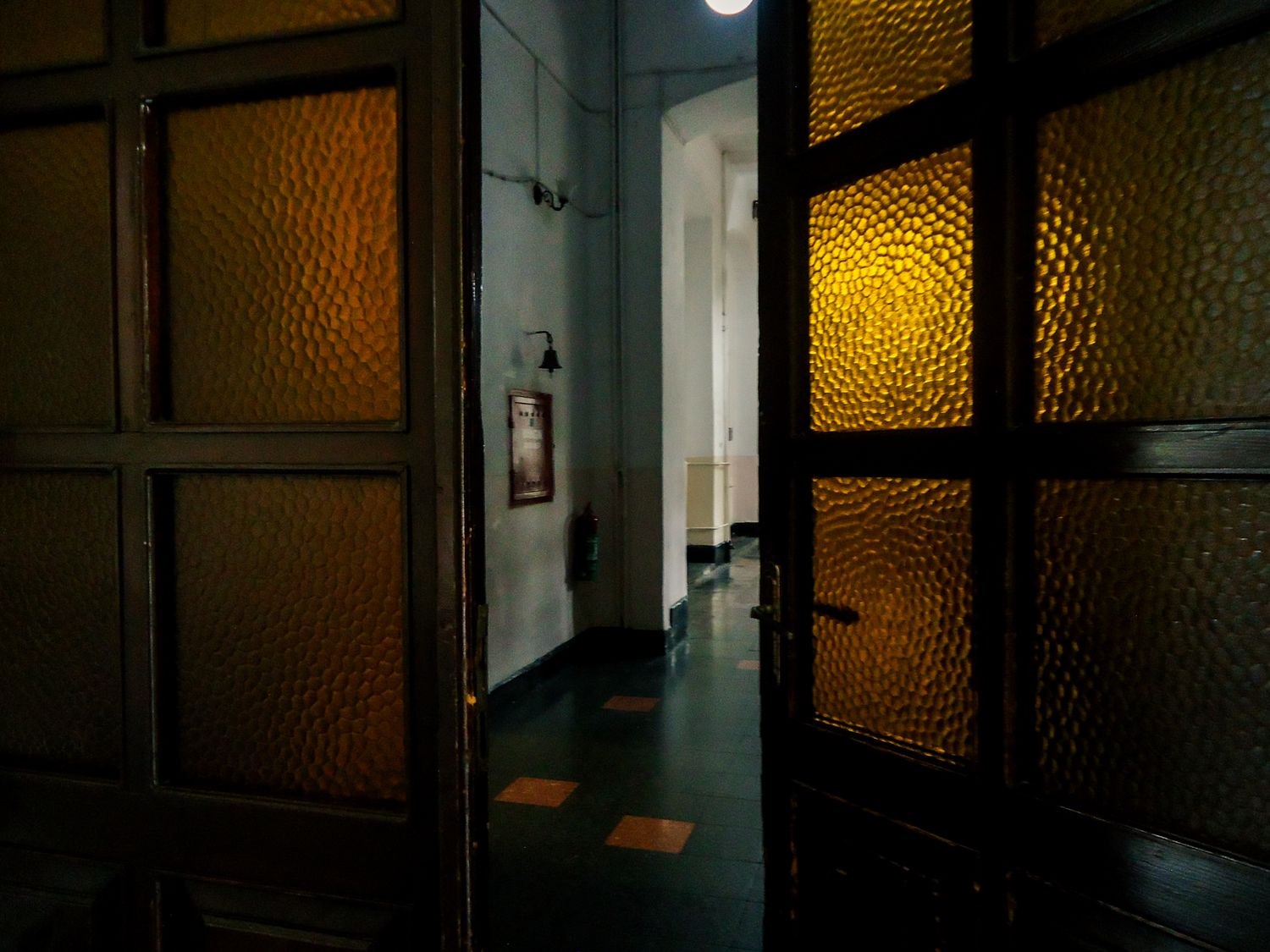
In a narrow hallway, several doors can look almost identical in a camera view. One leads outside, another to a shared stairwell and another to a private room. Start by naming them clearly in your own notes and, where supported, in the device settings.
Use names someone else can recognize from the space itself. “Front entrance by the coat hooks” is more helpful than a device's factory number. Keep those names consistent in notifications and household instructions so an alert does not send someone to the wrong door.
Think about the ordinary movement through the passage. Coats, bags and open doors may block a view that looked unobstructed during setup. A camera should not become a projection at head height or a loose object on a narrow shelf. Use appropriate mounting and leave the route easy to pass through.
An opening sensor may answer a specific door-state question without requiring a broad view down the whole hall. If you choose a camera, inspect the frame with nearby room doors both open and closed. Avoid a position that unnecessarily reveals private rooms when someone forgets to close an internal door.
Where the hallway or entrances are shared, establish permissions before making changes. Discuss the purpose with the affected occupants and obtain suitable local advice when needed. A convenient wall is not automatically a wall you can use.
Keep the daily routine simple enough for someone arriving with shopping or a child. Identify the correct entrance, explain the approved access process and make any recovery instructions easy to find without exposing secret credentials. Avoid creating different unexplained routines for doors only a few steps apart.
After rearranging storage, check the relevant views and device clearances again. The hallway's primary job is still to connect rooms and entrances. Security equipment should make those boundaries clearer while leaving the passage comfortable to use.