A lost phone can hold more than an intercom app. It may contain an active account session, digital keys, messages with access details and a route to password recovery. Begin with the phone platform's official lost-device tools and the security provider's account guidance, rather than waiting until a replacement handset is ready.
Use a trusted device to review the relevant accounts. Follow the service's supported process for ending sessions, removing a device or changing credentials where appropriate. If account recovery is uncertain, contact the provider through its official support route. Do not share recovery codes or passwords with someone claiming they can retrieve the lost phone.
Separate the phone's access from the person's legitimate role. The household member may still need entry through a physical key, keypad or another approved method. Establish that temporary arrangement clearly so an account-security change does not leave an authorized resident unable to enter.
Review more than the visible app
Consider digital-wallet keys, shared-user invitations and connected services. Deleting an app from a replacement phone does not revoke the old phone's session, and changing one password may not remove every separately issued credential. Use the instructions for each service rather than assuming all access is controlled in one place.
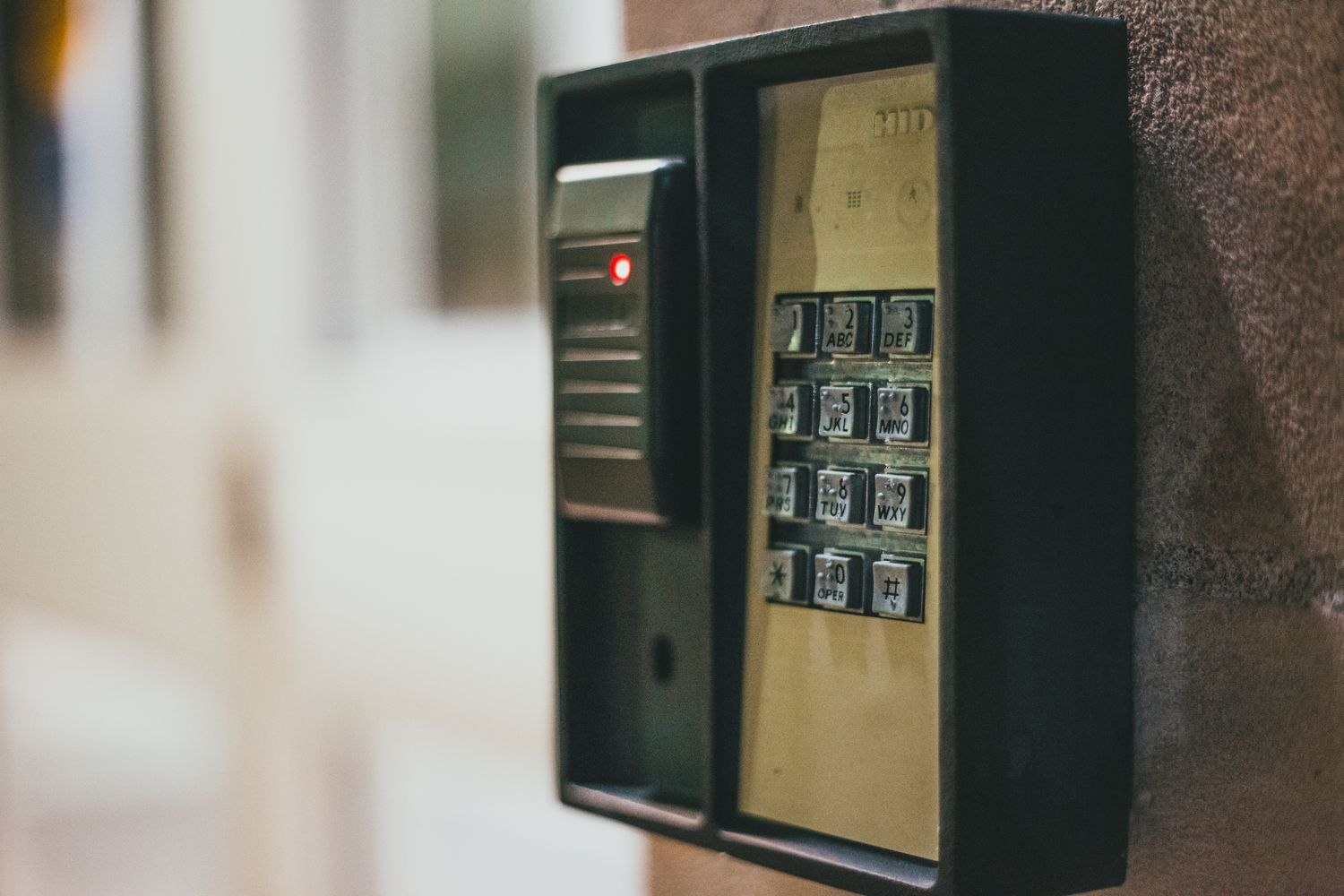
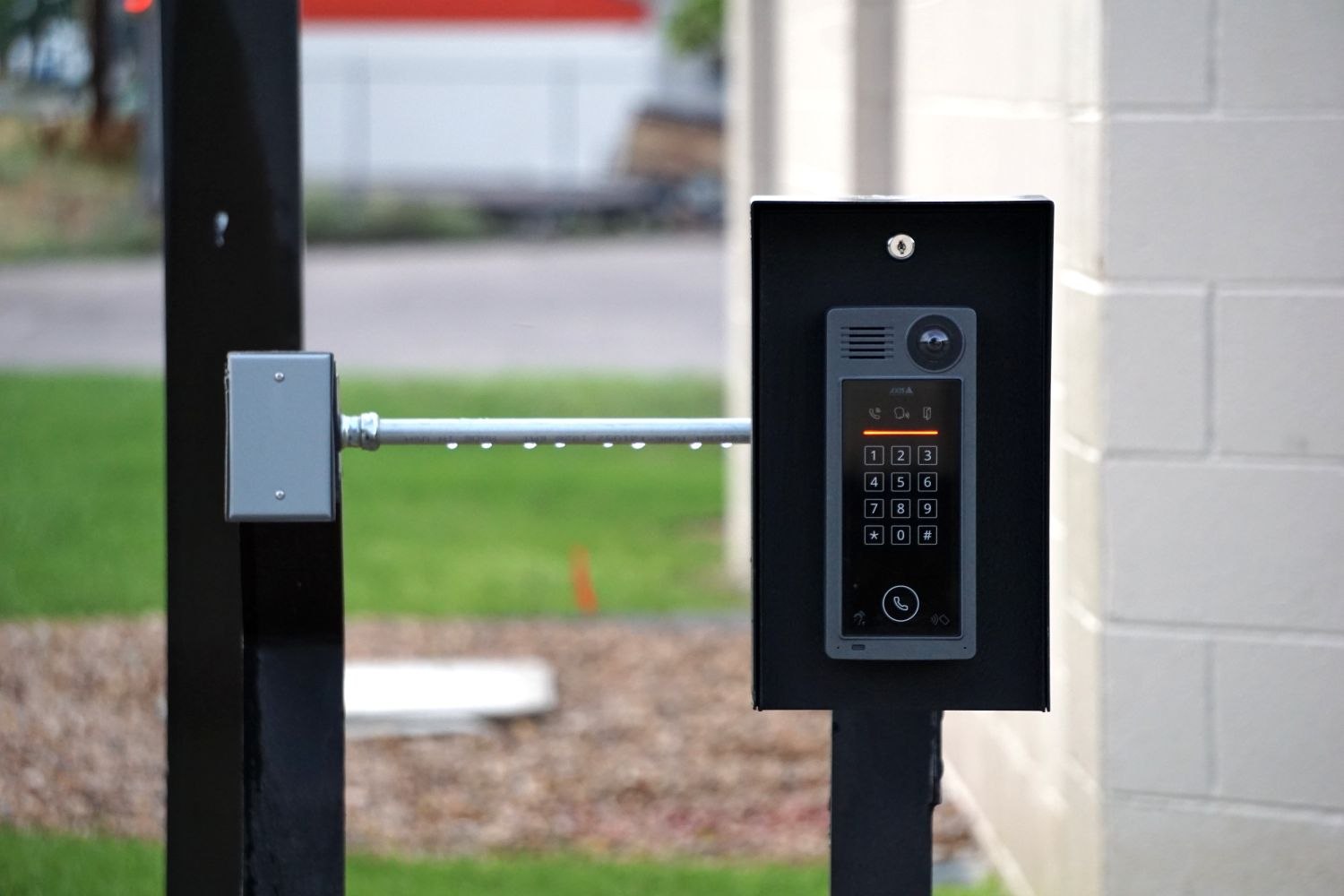
If a keypad code was stored in messages or notes on the missing device, assess whether it should be replaced through the supported process. Avoid changing every household credential indiscriminately without a way to communicate the authorized updates. The aim is to close the relevant exposure while keeping the entrance usable.
Check who administers the system and whether a second authorized person can assist. A household should not depend entirely on one phone for account access or ordinary entry. Review recovery methods after the immediate problem is handled, keeping them private and separate from the device they are meant to recover.
When the replacement phone is configured, grant only the access needed and verify the expected controls. Confirm that the old device or session no longer appears as authorized where the service provides that view. If the missing phone later turns up, do not assume its former permissions should automatically be restored.
Record the changes without recording the secrets. A short note of affected systems and completed actions helps the household avoid overlooking a separate gate, garage or alarm account during an already inconvenient event.