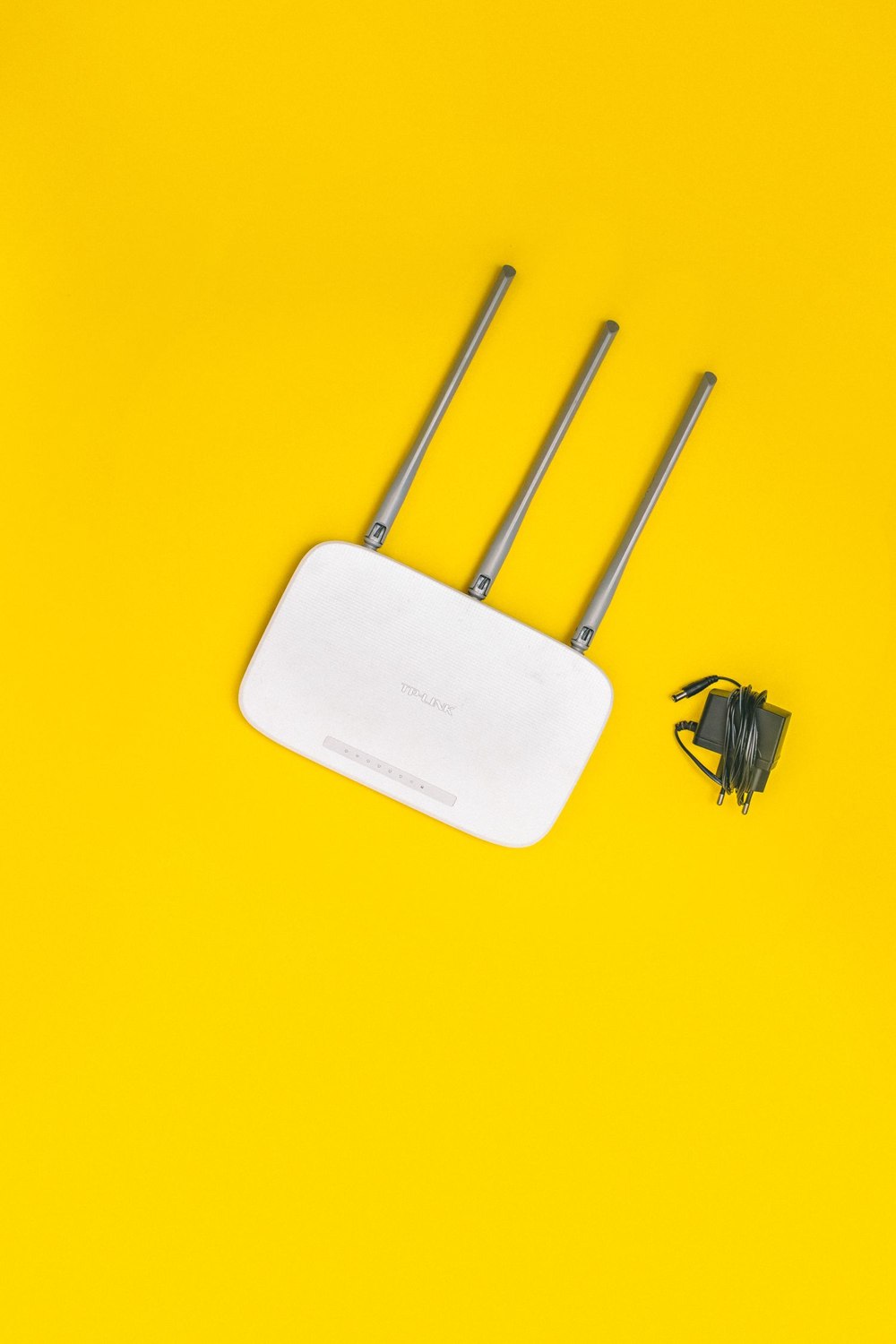
The camera beside the back door keeps disconnecting, while the router sits behind the television at the opposite end of the house. An extender may help, but first look at the route the signal must travel. Furniture, building materials and the router's placement can make the intended camera position harder to serve than the floor plan suggests.
Start with a simple comparison. Does the camera connect reliably when set up temporarily closer to the router using the supported procedure? If it does, distance or the intervening environment becomes a more plausible explanation. If it still fails nearby, buying an extender may be premature; credentials, band support or another setup issue could be involved.
Find an alternative position the router can safely occupy without straining its connections. Keep it within the provider's installation requirements and away from enclosed spaces that restrict ventilation. Move it only as far as the existing, suitable cables allow. Do not pull on the incoming service cable or improvise an electrical extension merely to gain a few feet.
Compare the same task
Before and after moving it, load a fresh camera view and check a saved event. Use the same viewing device and conditions where possible. A phone's signal indicator is useful context, but the camera's performance is the point of the exercise. Record whether the problem disappears, improves or remains unchanged.
Google's camera setup guidance includes distance from the router among the reasons a network may not appear. That makes a closer-location test sensible, but it is not proof that every weak connection is a range problem. Confirm the camera supports the network settings too.
If an extender is still needed, choose its location according to its instructions. Placing it in the very spot where the existing signal has already become unusable does not give it a dependable connection to repeat. A mesh node or wired access point may offer another approach, depending on the property and equipment.
Avoid turning the network into a chain of guessed fixes. Name and document any added device, keep its firmware supported and remove obsolete equipment when it no longer serves a purpose. After a change, check the other household devices that rely on Wi-Fi. Improving one camera should not quietly create a new dead area where the household works or answers calls. A useful network adjustment is one you can explain and reproduce, rather than a pile of extenders plugged into every available outlet.