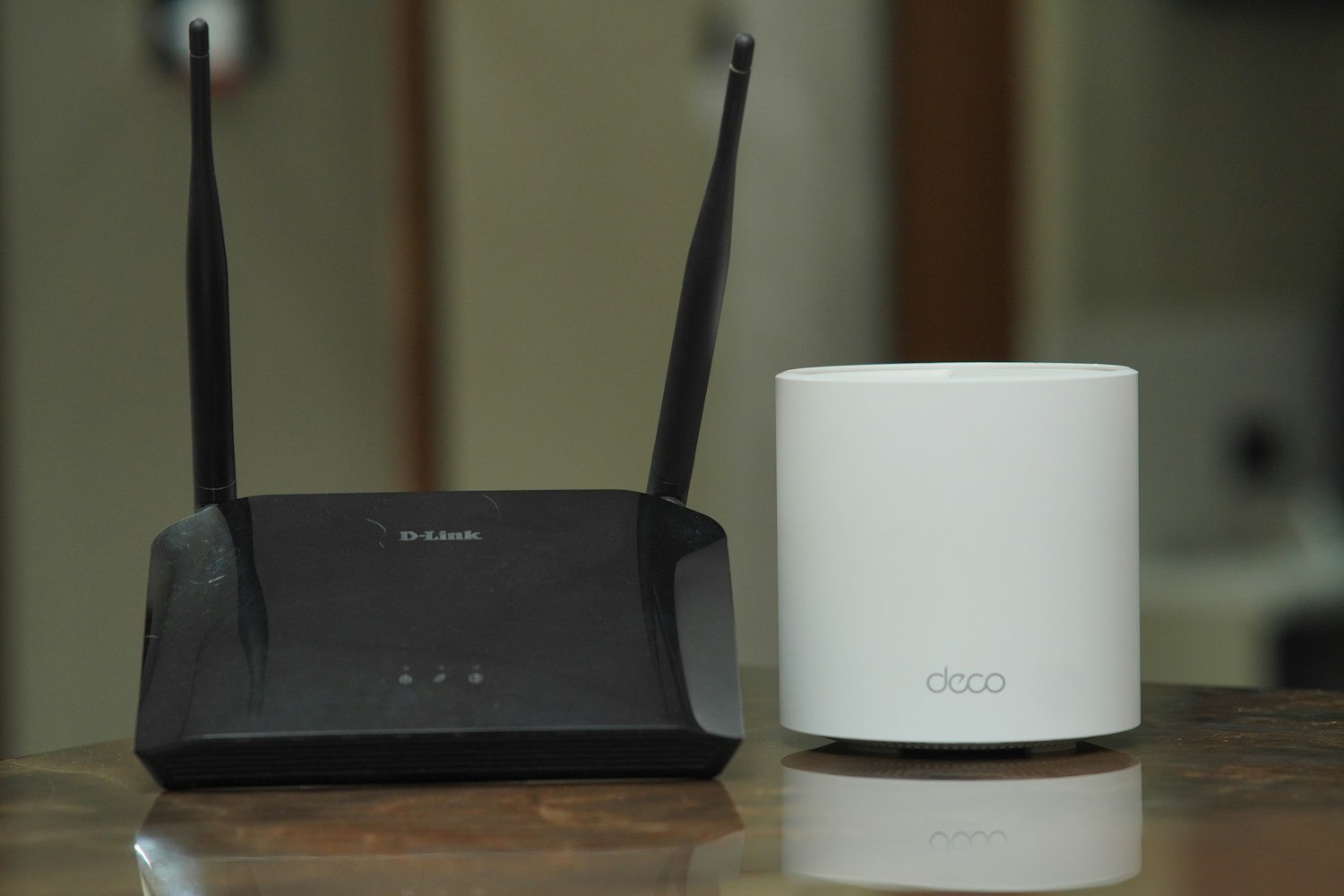
A mesh system can make a distant room easier to reach with Wi-Fi. It cannot make a camera support a radio band it lacks, restore an expired cloud plan or provide internet when the incoming service is down. Before buying nodes for a troublesome camera, decide which part of the connection actually needs help.
Compare the camera's behavior near the main router with its behavior at the final location. Also check whether ordinary internet access is failing elsewhere in the house. If all devices are affected, the issue may be upstream rather than confined to the camera's corner. If only the camera struggles even nearby, investigate its setup and compatibility first.
Mesh placement deserves as much thought as camera placement. A node needs a suitable connection back to the rest of the system, whether wireless or through a supported wired arrangement. Putting it at the farthest point solely because that is where coverage is wanted can leave its own connection weak. Use the mesh manufacturer's placement guidance and status information.
Test the whole path
A good local wireless connection does not guarantee ample upload capacity. Cloud cameras send video outward through the home internet service. Google explains that camera quality and recording behavior influence this demand, and that several cameras share the available upload connection with other activities. More Wi-Fi nodes do not increase the allowance or capacity supplied by the broadband plan.
Try the camera during a normal busy period, not only when the household is asleep and the network is idle. Review an actual saved event and a live session. If reducing an approved quality setting changes performance, record that result; it may help distinguish a capacity issue from a complete connection failure.
Keep the camera's network name and access settings consistent with the supported setup. Do not assume that every mesh product offers the same band controls, guest isolation or device discovery behavior. A feature that helps one installation can complicate another if it prevents a phone and local hub from communicating.
After adding a node, verify the other devices you rely on. Check the alarm hub, printer or work computer if the network arrangement changed. Remove an old extender if it has become redundant, and document which unit supplies the new coverage.
The aim is a network with an understandable route from camera to router to internet. Mesh can improve one part of that route very effectively. It is most useful when chosen for that specific job, rather than treated as a universal cure for any security app that occasionally shows a spinning wheel.