After twenty notifications about the same moving branch, turning off every alert feels reasonable. The problem is what happens tomorrow, when the branch is quiet but a visitor arrives. A more useful adjustment starts with the unwanted events themselves, not with the phone's master notification switch.
Review a small sample from different times. Group them by cause: traffic at the edge of the picture, normal household movement, an insect near the lens or a repeated device-status warning. Those are not interchangeable. A recording-zone adjustment will not repair a loose sensor, and cleaning a lens will not change a schedule.
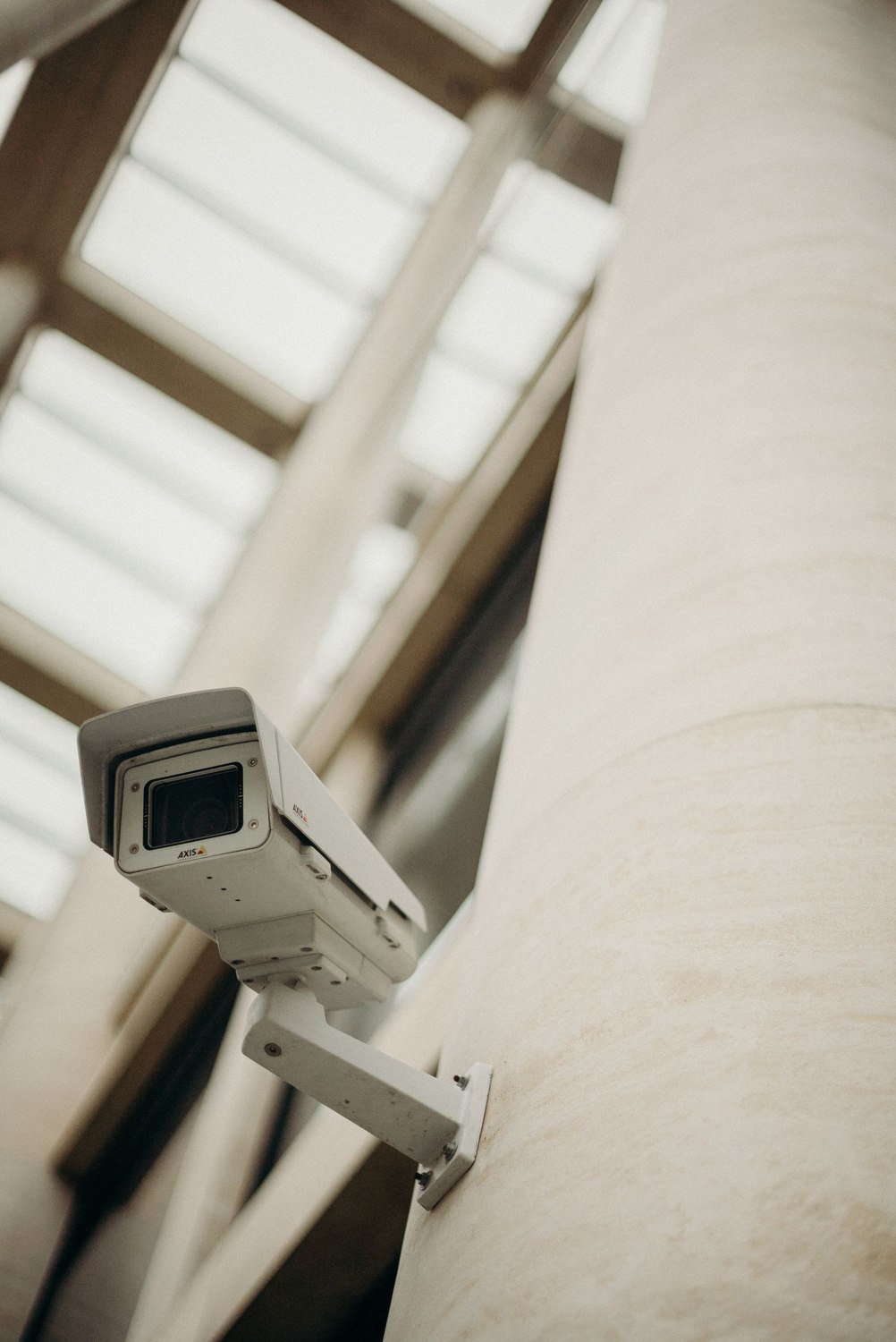
For a camera, check the physical view first. A slight supported repositioning may exclude an irrelevant busy area without asking software to interpret it. If the view is appropriate, review the product's motion areas, event categories and schedules. Change one relevant setting and keep a note of what you changed.
Preserve a useful test
After the adjustment, have someone approach through the area you still want covered. Review both the recording and the resulting notification. A quieter phone is not enough evidence of success if the important approach no longer creates a useful event.
Keep privacy controls distinct from alert controls. Ring explains that privacy masking can obscure an area while motion there may still trigger an event. A privacy mask is therefore not necessarily the correct way to reduce notifications from a passing car, and a motion zone is not a substitute for removing a neighboring window from recorded footage.
For an intrusion motion sensor, assess the room and placement rather than borrowing camera settings. Ring's false-alarm guidance includes environmental movement and heat-related placement issues. A room with pets, a fan and curtains over a vent may need a different assessment from a quiet hallway. Follow the sensor's prescribed testing process, especially where professional monitoring is involved.
Give temporary silence an end
A snooze can be useful while someone works beside the camera or while equipment is being cleaned. Choose a supported temporary option when available and confirm that normal alerts resume. Avoid leaving a broad disable setting as an undocumented response to a short-lived nuisance.
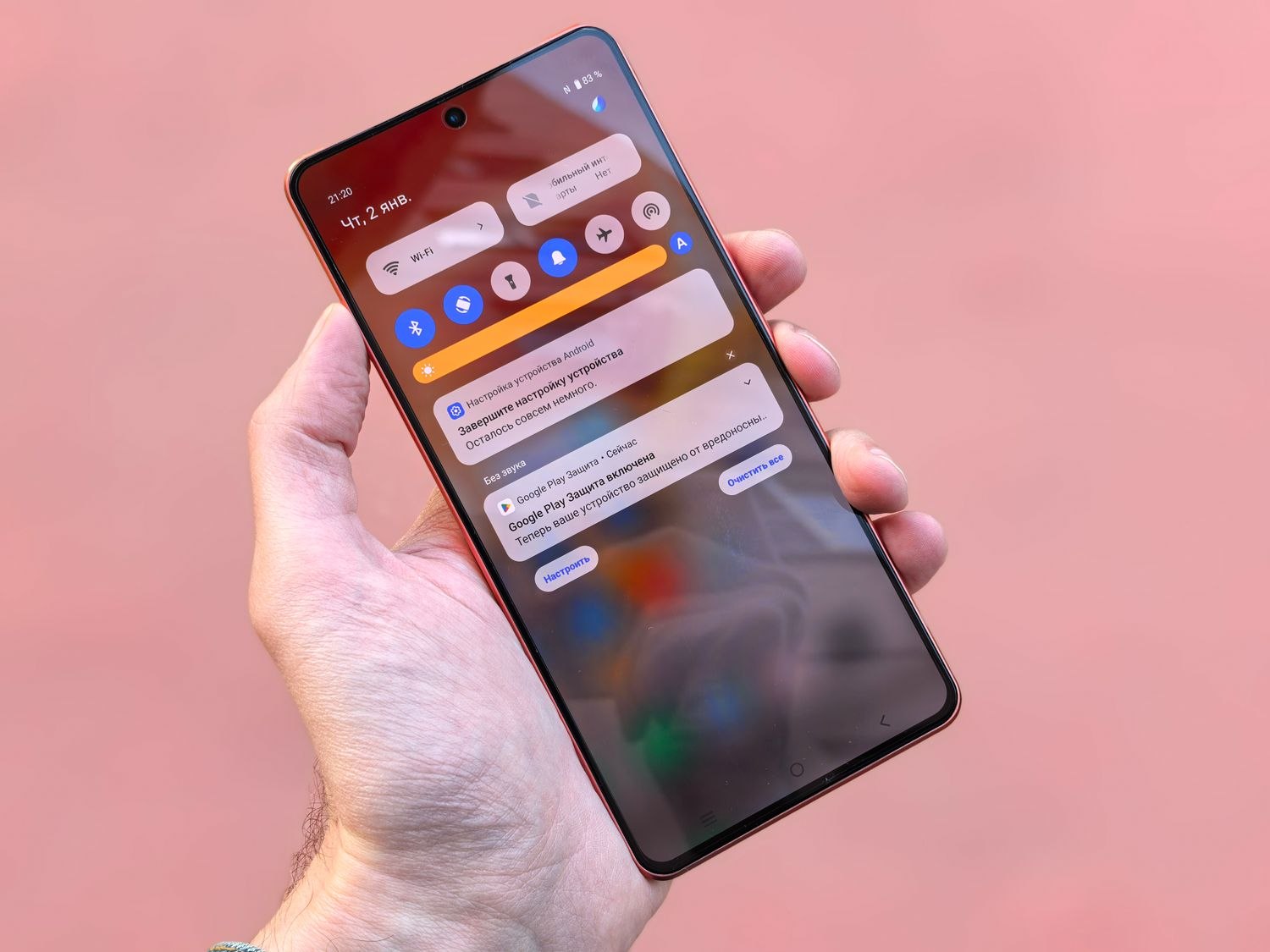
Decide which messages need sound and which can remain visible without interrupting the household. Product and phone controls may offer different categories. Do not assume every notification can be separated perfectly; if the app combines important and routine messages, understand that limitation before silencing it.
Revisit the result after ordinary use, including the time when the nuisance originally occurred. Keep the changes that remove the cause while retaining useful coverage. The aim is a system whose alerts still mean something to the household, rather than one that is technically active but has trained everyone to ignore it.