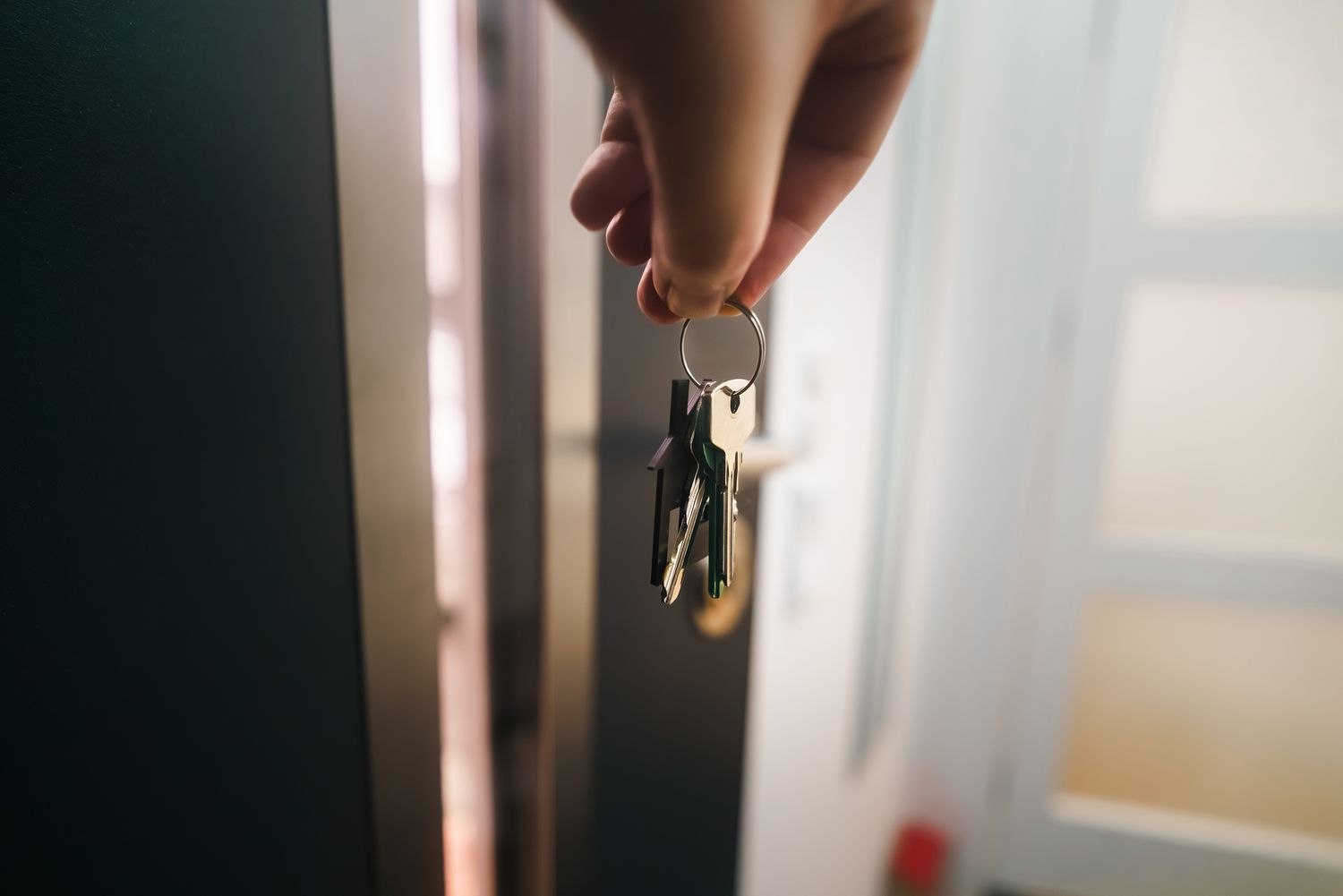
A visitor arriving for a weekend and a delivery driver dropping off a package do not need the same access. Before creating a temporary code, decide whether entry to the home is necessary at all. A clear delivery location outside the living area may meet the need without extending permissions through the main door.
Where temporary entry is appropriate, check the lock's actual scheduling options. Some support a start and end time; others offer recurring windows or one-time credentials. Those descriptions can have product-specific meanings. Read whether a code becomes active immediately, at the next synchronization or only after another step.
Give the recipient their own credential where supported. Do not send the everyday household code because it seems quicker. Share instructions through a private channel and include the entrance name, the permitted time and the ordinary locking procedure. Keep administrator passwords and recovery information out of the message.
Make the schedule match the visit
A narrow time window can create confusion if someone is delayed. Choose a reasonable window for the actual arrangement, and know how an authorized extension will be made. Check time zones and the lock's displayed time if the property and owner are in different places. Avoid building a plan around an app notification that may arrive late.
Test the arrangement through the manufacturer's supported method before the visitor depends on it. Verify the intended door and permission level, not just that a code exists in a list. If the entrance is also protected by an alarm, coordinate the separate authorized arrival process; a door credential does not automatically disarm an alarm.
For a weekend house sitter, the useful instructions might cover arrival, locking up for a walk and the final departure. Those are three ordinary moments that can expose a scheduling mistake. A code expiring before the sitter's last trip back from the yard would be inconvenient even if the original checkout time was technically correct. Confirm the agreed end of access in plain language, then make the device schedule match it.
A one-off service visit is different. The person may need access only while an authorized resident is present, or only to a separate storage area. Do not create broad permissions merely because the app's default invitation makes them easy to select. Decide the scope first and configure the supported option that comes closest to it.
After the visit, check that the credential has expired or remove it through the supported controls. A calendar reminder is useful even when automatic expiry is available, because plans can change and older codes may remain from previous visits. Review any linked services separately rather than assuming one deletion reaches every device.
For deliveries, be especially deliberate about scope. Decide what area the person may enter and whether someone should be present. A code log records use of a credential, not a full account of what happened inside. Temporary access works best as a clearly agreed arrangement with a defined end, not as a general invitation left available for convenience.