Hotel and other shared Wi-Fi networks often display a sign-in page before allowing internet access. That page is a captive portal. A laptop can show it to you; a camera may have no browser or suitable interface for completing it. Knowing the network password is therefore not always enough to put the camera online.
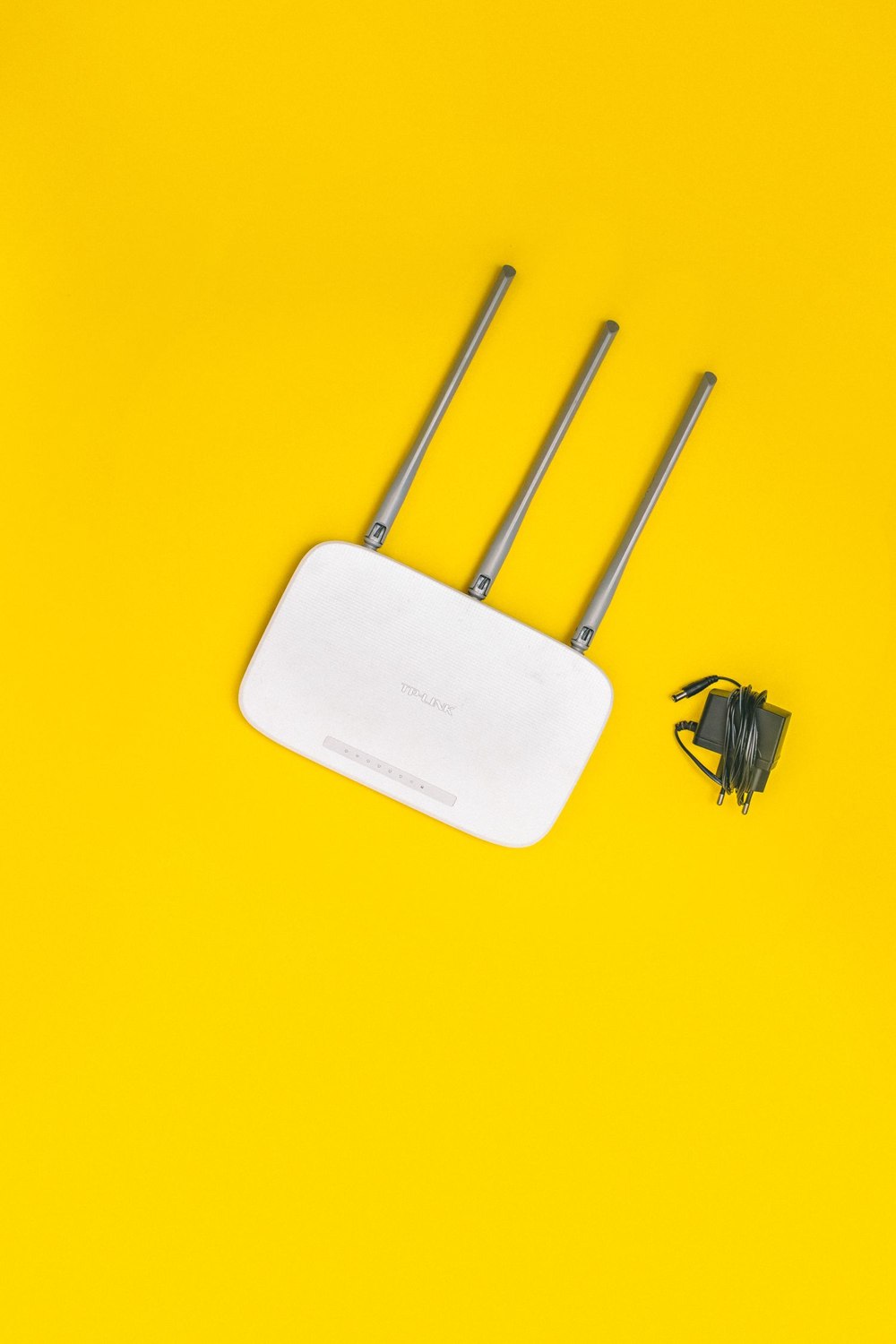
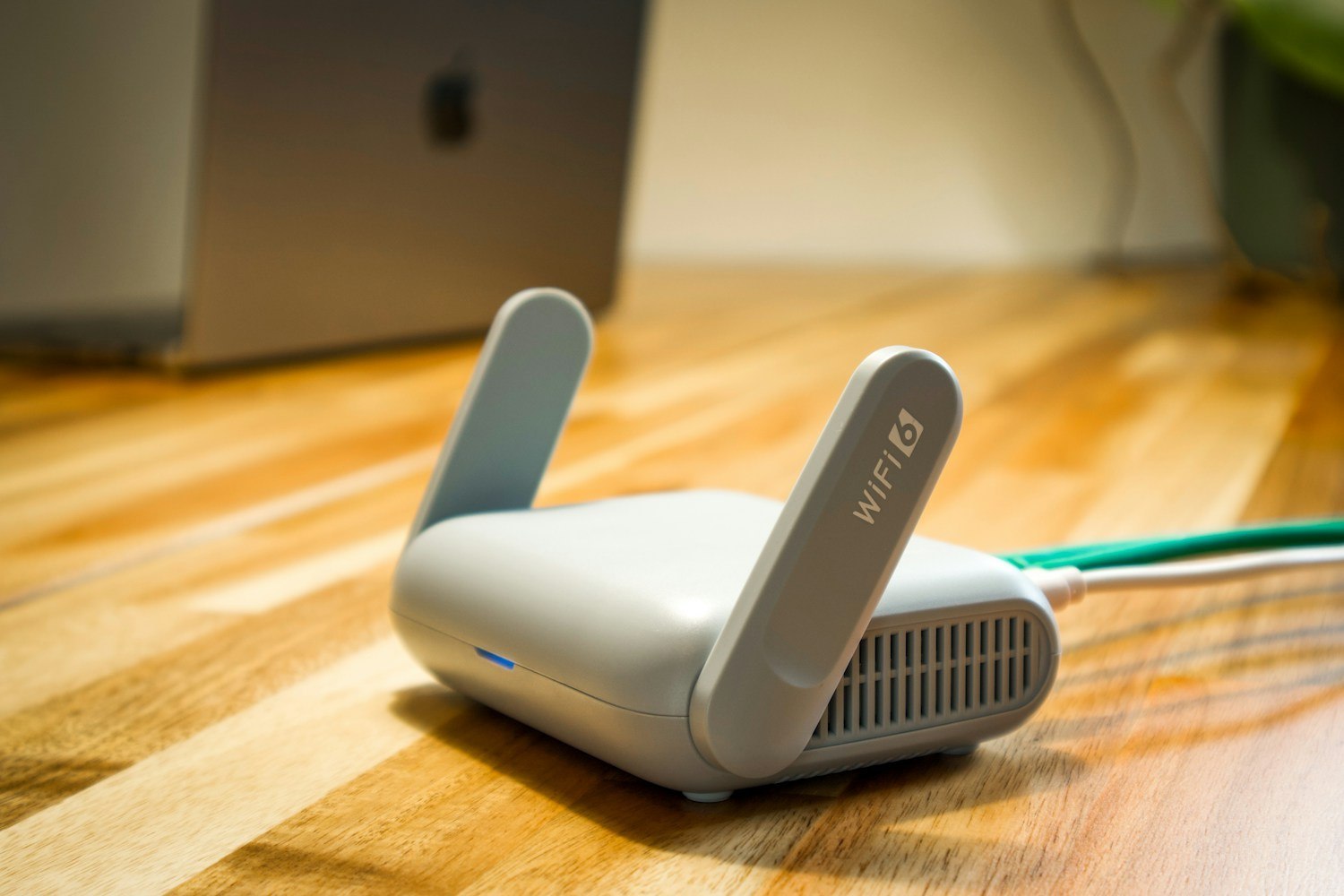
A travel router can support some arrangements by connecting to the shared network and providing a local connection for your devices. GL.iNet documents this use for compatible routers. The important word is compatible: portal behavior, firmware and the network operator's rules still matter. Do not assume a router can make every shared connection permanent or unattended.
First establish whether the venue permits the intended device and router use. Also consider whether a camera is appropriate for the space and everyone using it. A connection problem is not a reason to bypass network restrictions or place recording equipment where others reasonably expect privacy.
Think beyond the first login
Ask how long access lasts and what happens after a power interruption. A successful login while you are present may not survive an expired session or a network change. If someone must repeat a web interaction, the arrangement may be unsuitable for equipment left alone.
Use the router manufacturer's documented portal procedure for the current model and software. Avoid copying a collection of security-setting changes from unrelated forum posts. If normal setup does not work, the network operator may be able to explain an approved method or confirm that the device is unsupported.
During a supervised trial, check the function you actually need and the supported reconnection behavior. Keep the temporary router powered and ventilated as specified. Do not leave its default administrative credentials in use merely because the installation is short term.
Remember that the shared network remains outside your control. Other guests' demand, operator maintenance and access policies may affect service. A travel router supplies a convenient local arrangement; it does not create a dedicated broadband connection or guarantee remote availability.
At the end of the stay, remove temporary network details and access according to the equipment instructions. If you used a camera account on a shared or borrowed phone, review that access too. For an unattended property that needs continuing monitoring, a supported dedicated connection is easier to manage than a login page that expects a person to return. The decision should be made before relying on the camera, rather than after the portal expires while you are elsewhere.