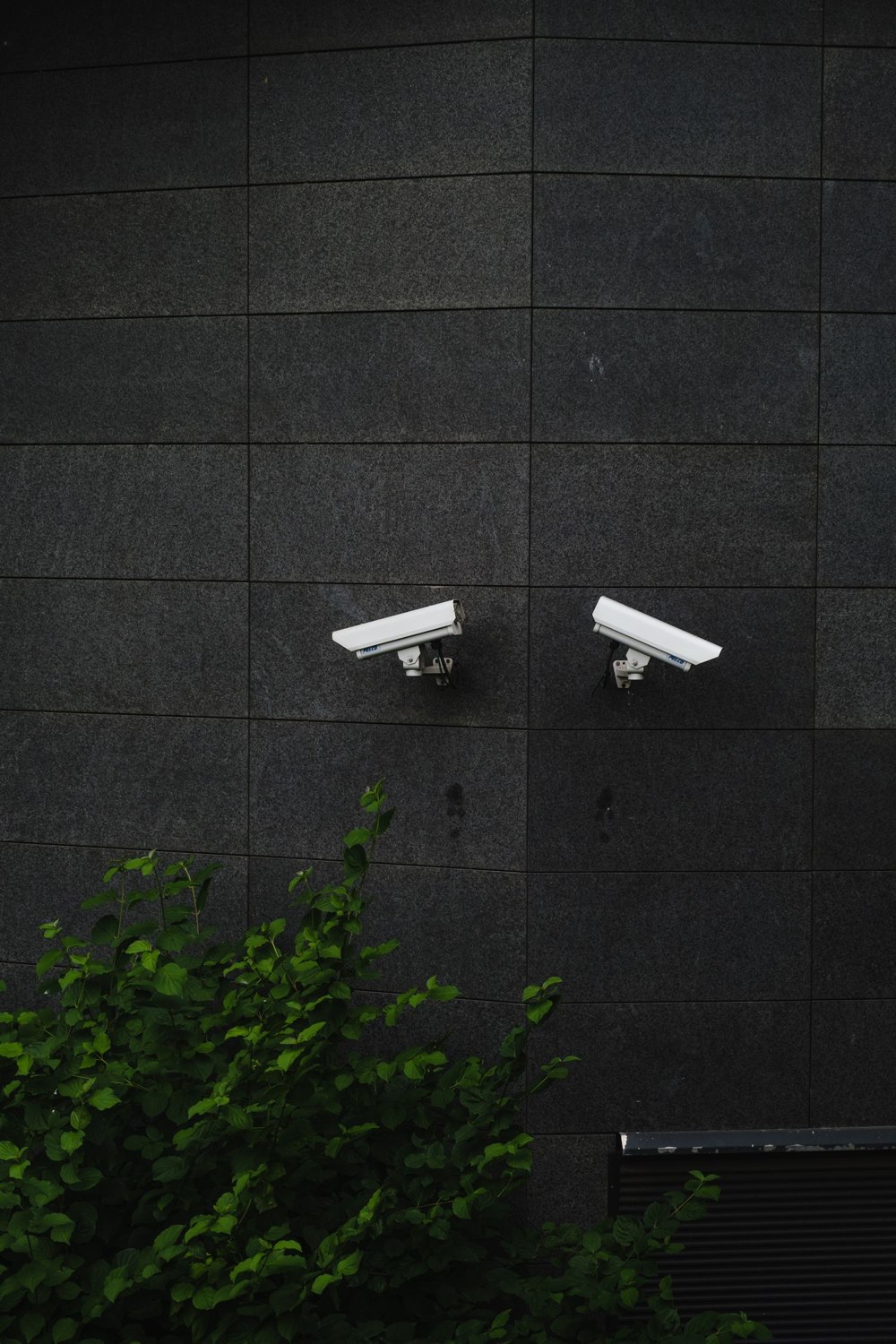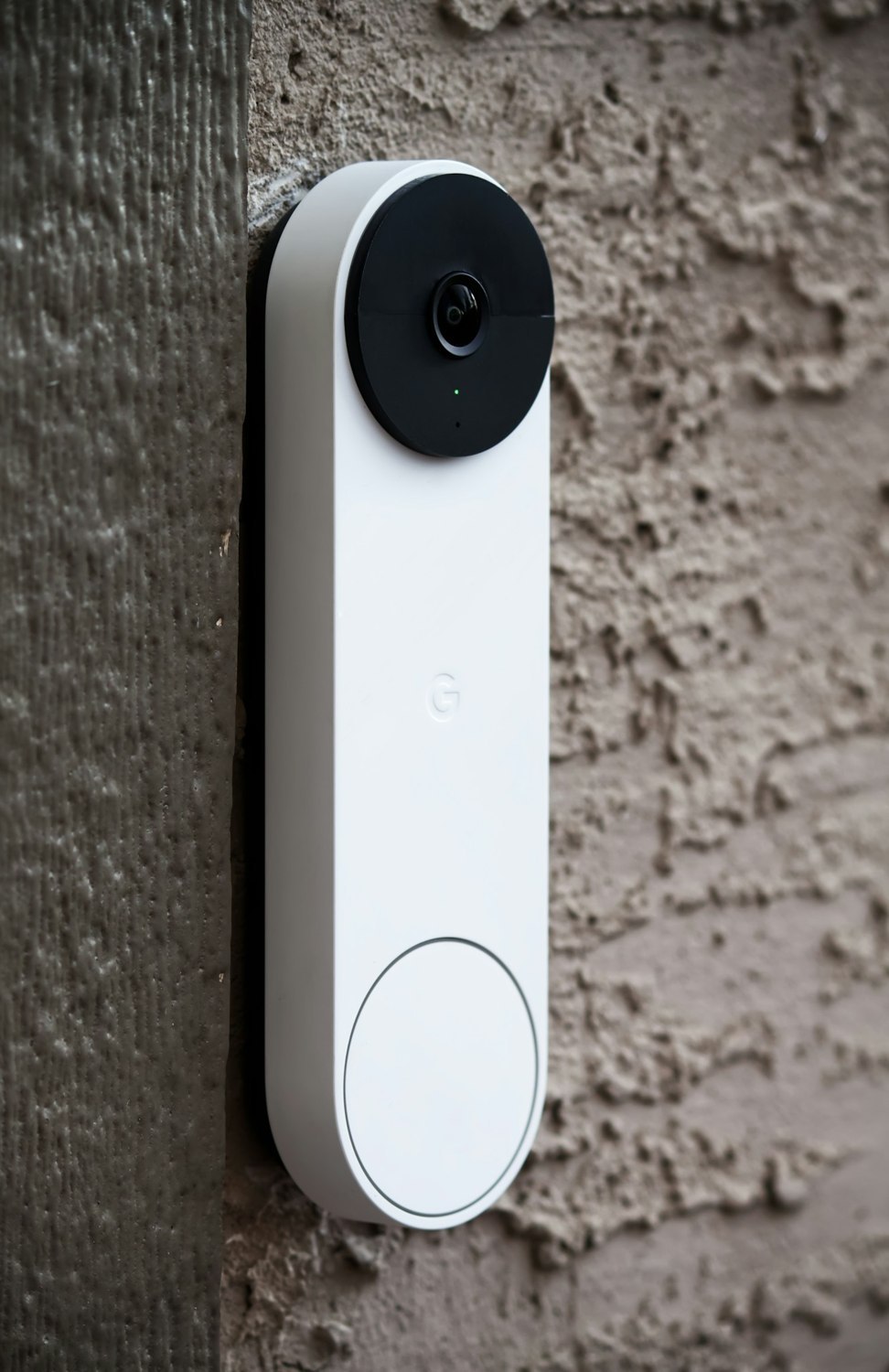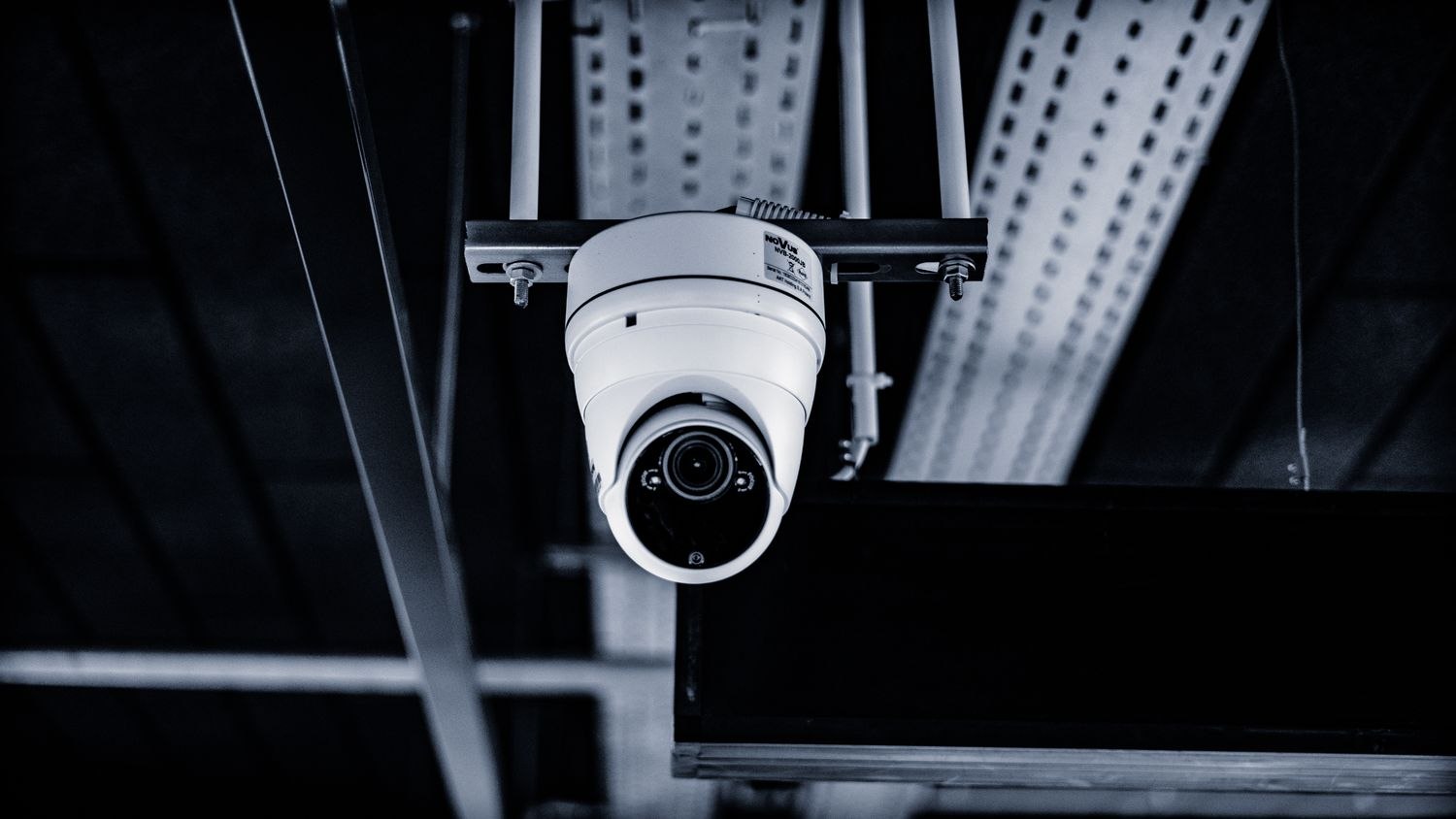
You open the app to check the entrance and find the camera looking at an empty corner. Someone moved it earlier, or automatic tracking followed a person out of the important part of the scene. The motor is working; the coverage plan is not.
A pan-and-tilt camera can show several directions over time, but one lens cannot watch all those directions at once. Treat its ordinary resting position as the primary view. Decide what should remain visible when nobody is actively controlling it.
Set a return position, where supported
Some devices provide a home position, monitor point or automatic return function. The names and behavior vary. Reolink, for example, supports monitor points on certain cameras, with settings that can return the view after movement. Check compatibility and the actual return behavior for the specific model rather than assuming every motorized camera has it.
Test a manual move and an automatically tracked event separately. A saved preset that you can select yourself is not necessarily an automatic return rule. Watch how long the important entrance remains out of view and whether a new movement changes the behavior again.
Think about competing events
If a pet crosses the room while a person approaches the door, which movement does the camera follow? Tracking priority and supported object types differ. A successful demonstration with one person in an empty room does not establish what will happen in a busy household.
Avoid making the moving view the only coverage for a point that must remain continuously visible. A fixed camera can provide a predictable view while a separate movable unit serves occasional checks, if that combination fits the purpose and privacy needs.
Also review the edges of the camera's possible movement. A carefully framed resting view may avoid a neighboring window or a private room, yet manual panning can reveal it. Permissions and privacy controls need to account for the full available movement, not only the default screenshot.
After a reset, update or physical relocation, confirm the return position again. Mechanical limits and software positions are not interchangeable. Keep the normal view simple enough that an incorrect resting angle is obvious when you open the app. The ability to look around is useful only when it does not quietly take the camera away from its main job.