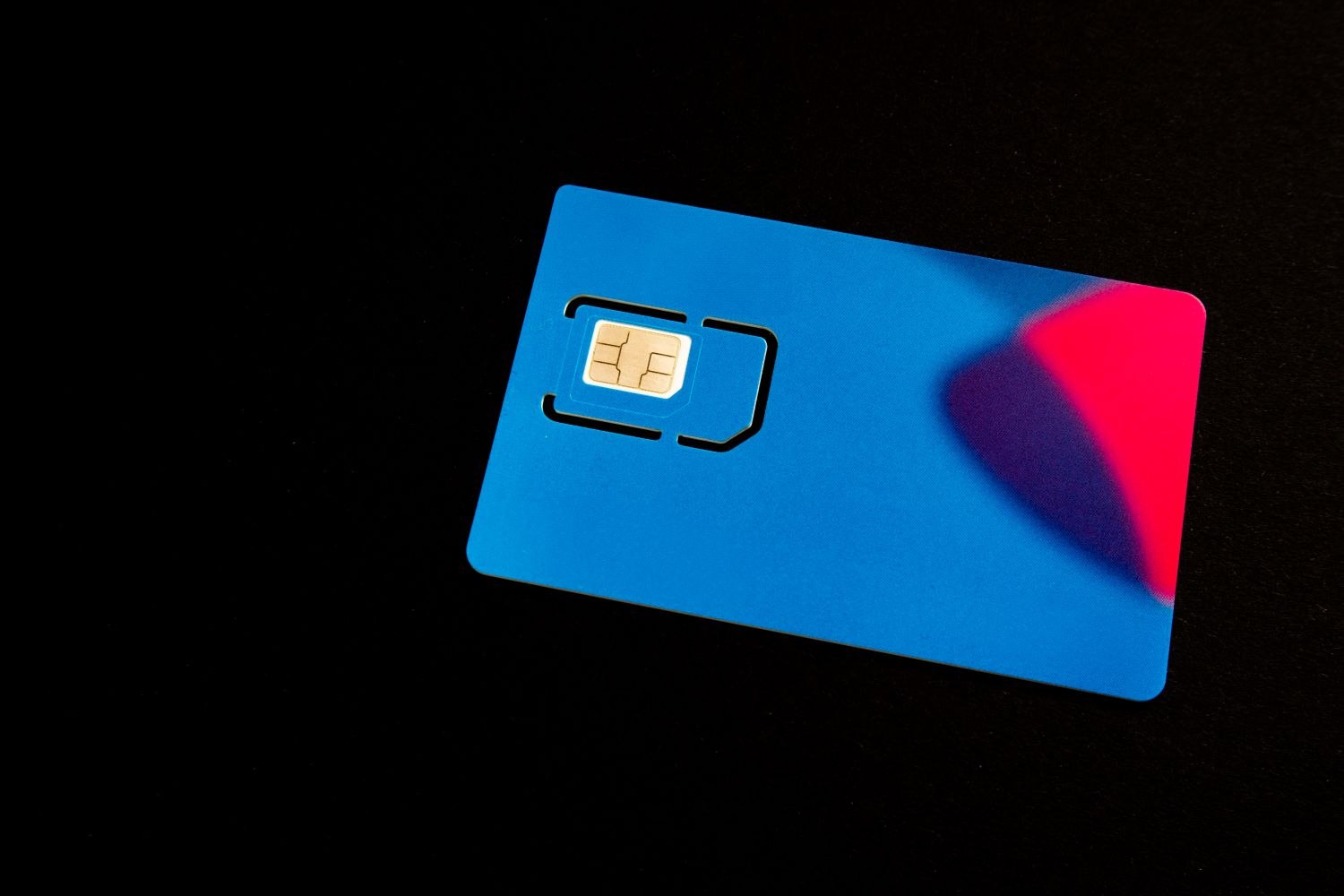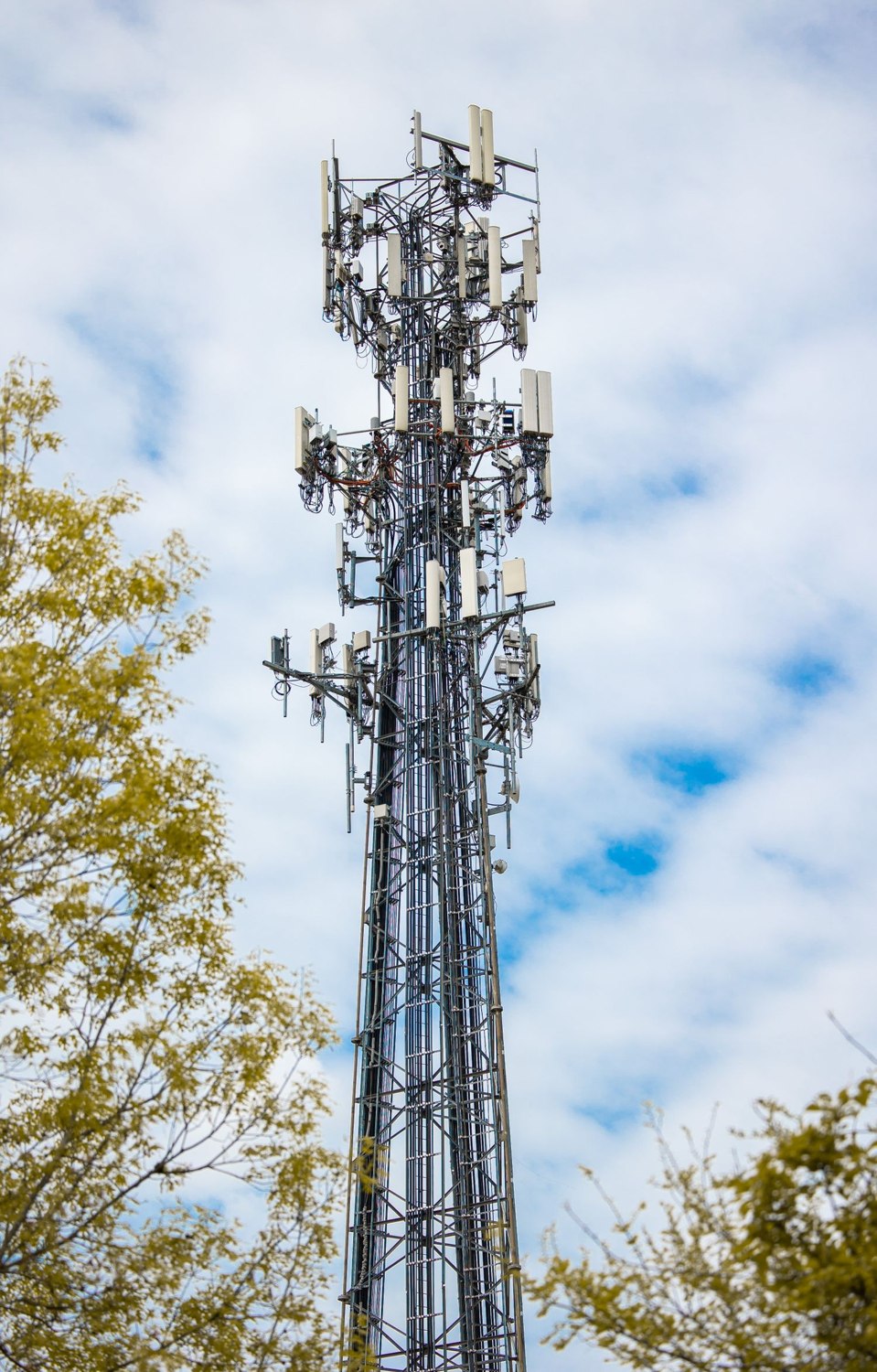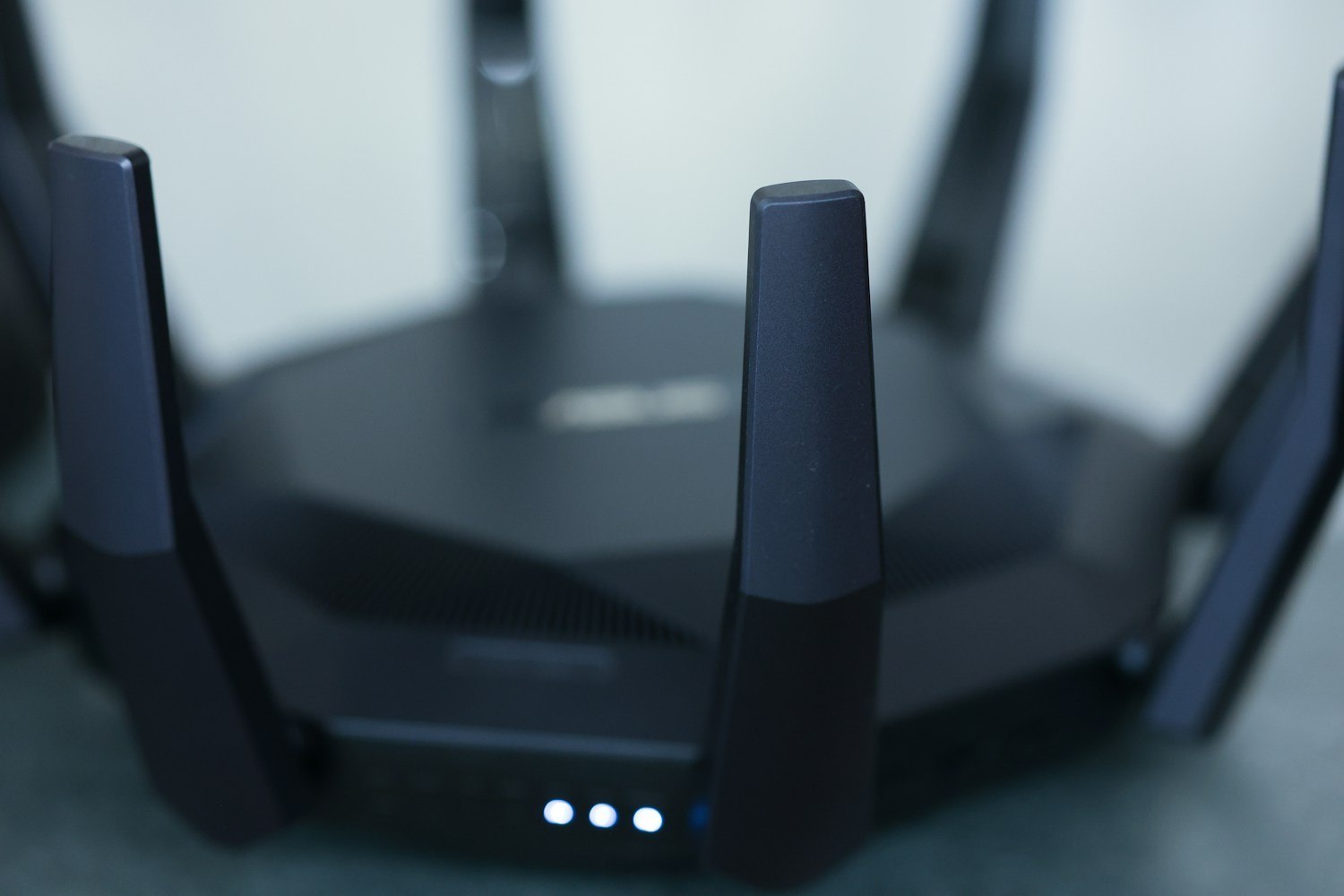
The phrase “5G” can cause a surprisingly ordinary setup mistake. On a router label it may be shorthand for a 5 GHz Wi-Fi network; in a phone plan it refers to a cellular generation. A camera that needs 2.4 GHz Wi-Fi is describing its local connection to the router. It is not asking you to change your mobile phone contract.
Read the camera's exact wireless specification before adjusting anything. Some products support only one band, while others support more. Regional versions can differ. Google notes model and regional restrictions in its camera network guidance, so a rule learned from one camera should not automatically be applied to the next.
A router may show separate network names or combine bands under one name. Follow the router and device instructions for that arrangement. If the manufacturer offers a supported IoT network or setup mode, that can be preferable to permanently reconfiguring the whole household network. Record any temporary change so you can restore the intended configuration afterward.
Keep the diagnosis narrow
Check these items separately: the correct network name, the password, supported security settings and reasonable proximity to the router. A connection failure does not establish which one is wrong. Type credentials carefully and use the manufacturer's setup procedure rather than cycling through unrelated router options.
Do not solve a compatibility problem by casually disabling encryption or the firewall. Those changes affect more than the camera. If the product cannot connect under the router's supported secure configuration, ask the supplier about the documented combination before reducing protections for every device at home.
Once setup succeeds, return the equipment to its intended location and test again. The fact that it connected on the table beside the router is only the first step. Confirm remote viewing, recording or alarm reporting as appropriate, and check that the connection survives an ordinary supported restart.
Keep a small installation note identifying the network the device uses and any special setup condition. Avoid writing the password in a visible household equipment list. The note will be useful when changing routers or helping another household member troubleshoot later.
If the product still cannot find the network, use its model number when contacting support. “The porch camera cannot see our supported 2.4 GHz network, even during nearby setup” is a much clearer description than “5G does not work.” Clear terminology narrows the problem before anyone buys replacement hardware or changes a service that was unrelated to it.