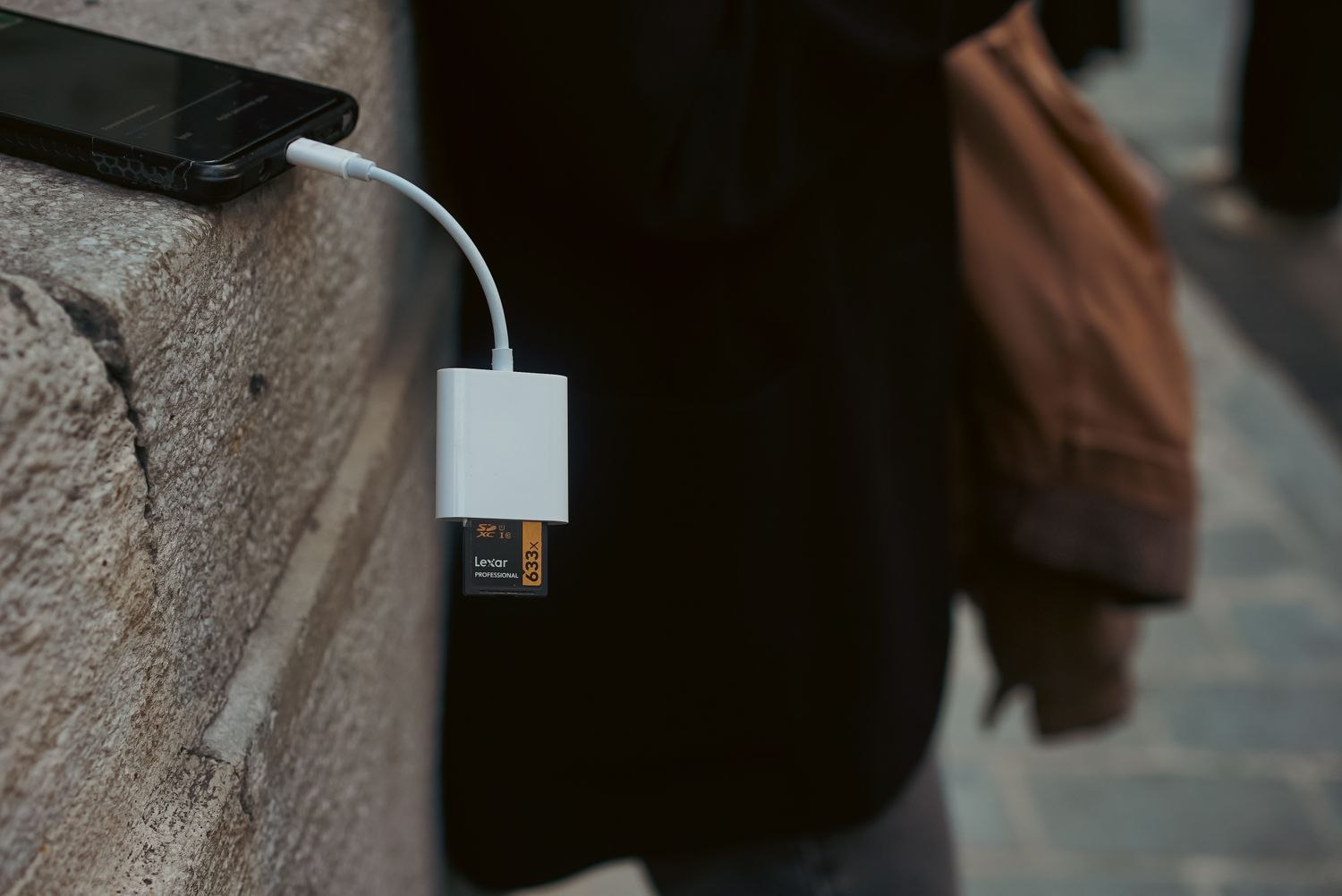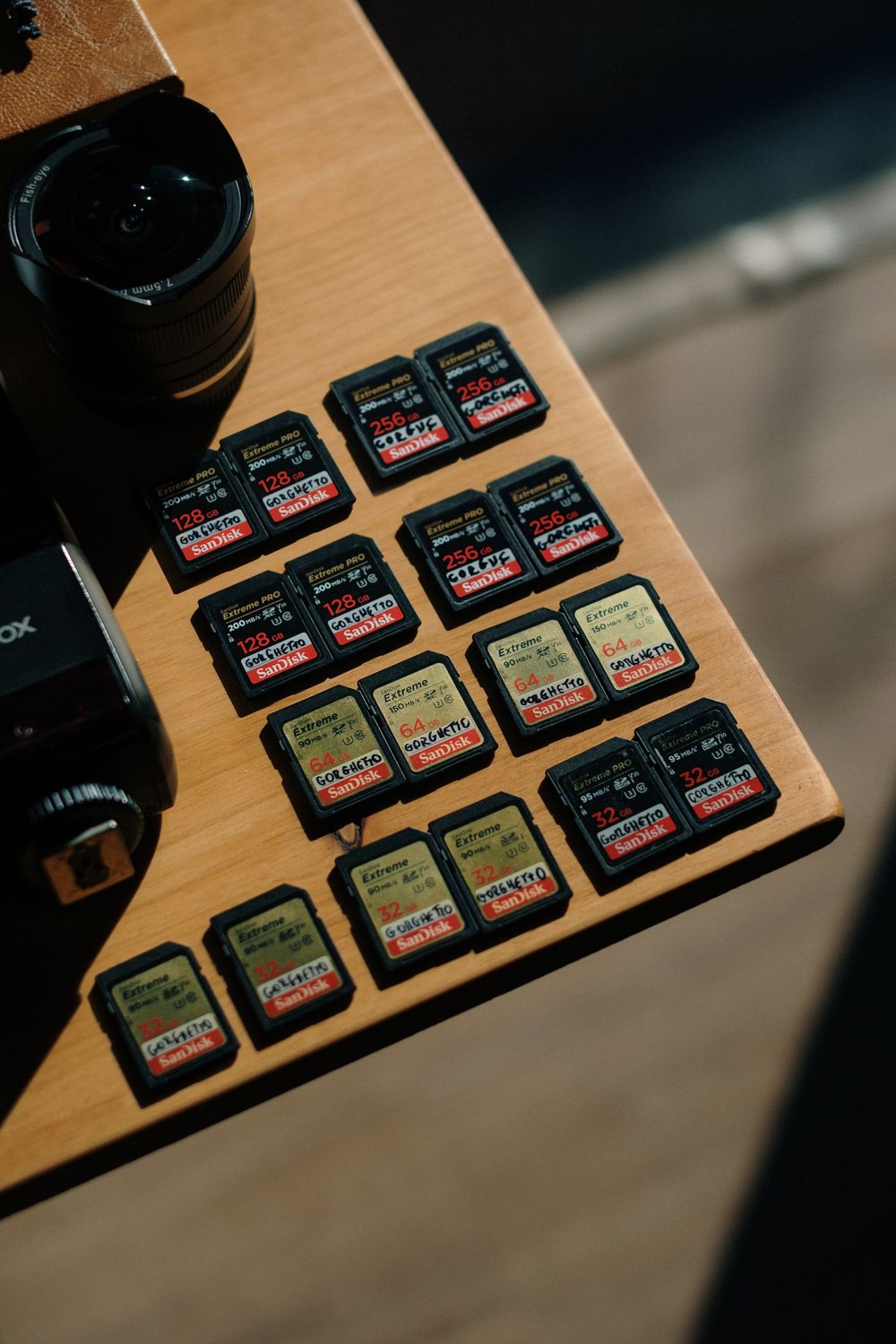
A spare card from a drawer may fit the slot and still be the wrong choice for a camera that records every day. Capacity is only one part of compatibility. The device can also have requirements for card type, speed, formatting and supported recording modes.
Start with the exact model's current storage guidance. Check the maximum supported capacity and the recommended speed or performance class. A large number on the package does not override a limit in the camera, and a card suitable for one generation may not be supported by another.
Cards marketed for high-endurance video work are designed with repeated recording in mind. That makes them worth considering, but “endurance” is not a substitute for compatibility. Compare the manufacturer's stated use conditions and buy through a reliable seller. A bargain card with doubtful labeling is a poor place to keep footage you may later need.
Set it up before depending on it
Follow the camera's insertion and formatting procedure, including whether power must be disconnected first. Formatting normally erases existing files, so preserve anything needed before proceeding. Do not force a card into an awkwardly placed slot or disturb weather seals without checking how they should be restored.
After setup, create a harmless event and play the recording back. Check the date, sound if required and the ability to download a file. An app showing a card's capacity proves less than a successful recording-and-playback test.
Look for an overwrite setting. If the camera is configured to stop when full, recording can end while live viewing continues. If it overwrites, the oldest footage will eventually disappear. Neither option removes the need to export an important clip promptly.
Capacity is not a fixed number of days
Recording quality, frame rate, audio, scene complexity and the amount of activity can affect storage use. Manufacturer estimates usually assume particular settings. Use them as a starting point, then observe the history your own setup actually retains.
Include storage health in routine checks. Missing periods, repeated format requests or playback errors deserve investigation; do not simply clear the card every time and assume the problem is gone. Save needed files first, then use the manufacturer's troubleshooting steps. A working live picture can conceal a recording problem for a surprisingly long time if no one opens the archive.