Storage is often presented as a choice between paying a subscription and buying a memory card. That misses the more useful question: where will a recording be when you need it?
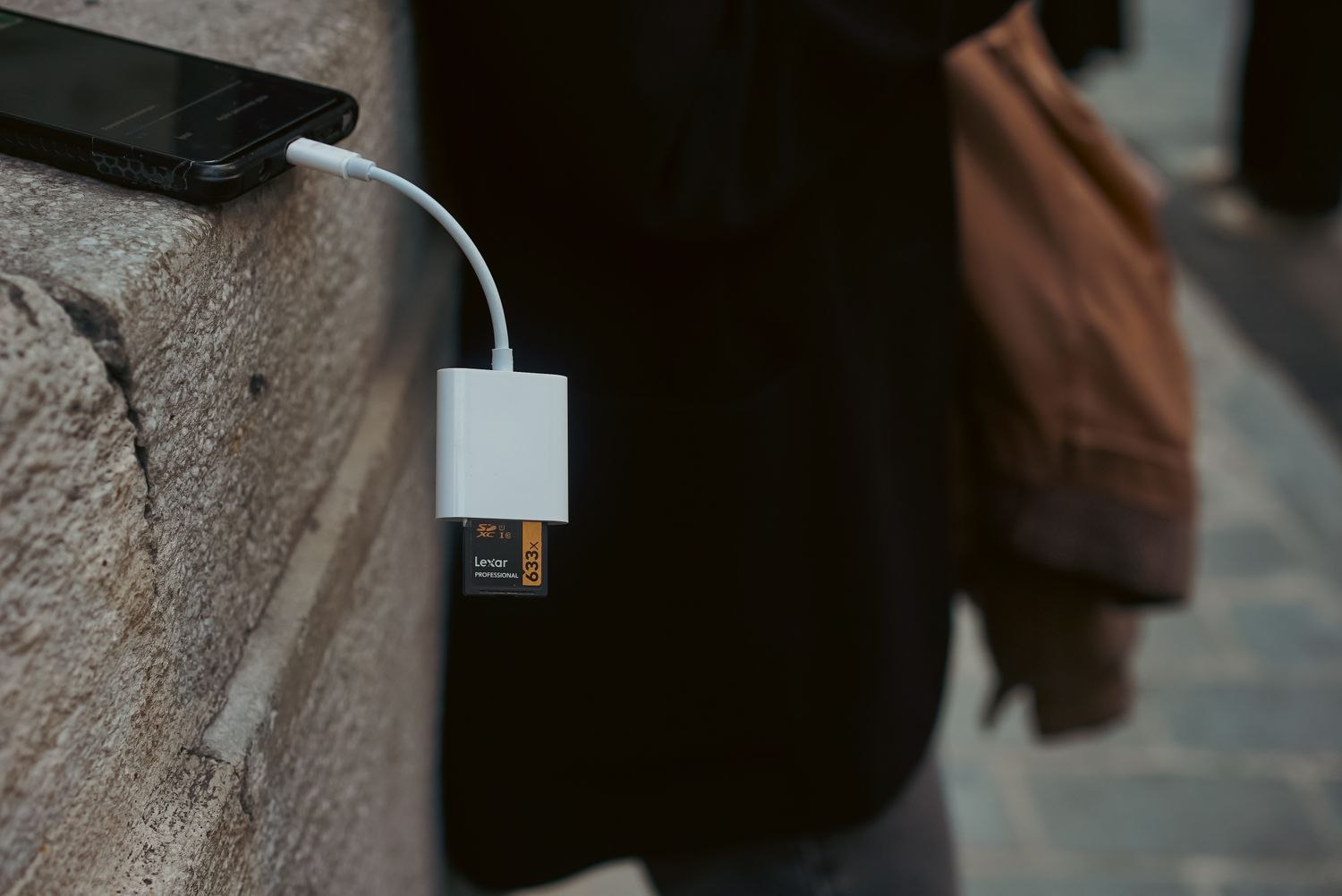
Local storage keeps footage on equipment at the property, such as a supported camera card or recorder. A cloud service stores uploaded footage with a provider. Some systems can use both. Others offer only one supported route, or reserve particular recording features for a paid plan.
What stays at the property
A local archive can be useful when broadband is unreliable, provided the camera supports the required offline recording mode and the necessary equipment remains powered. It also places the archive in the same building as the event. If a camera containing its only memory card is removed, the recording may go with it. A separate recorder changes that arrangement but introduces another device to protect and maintain.
Local does not necessarily mean accessible only at home. Some systems allow remote playback of locally stored files. That access still depends on a working connection and the product's account and network arrangements. Learn the retrieval method before assuming a card will solve both recording and remote viewing.
What leaves the property
An uploaded cloud recording is not confined to the camera that captured it. However, upload depends on the connection, supported buffering behavior and service availability. A cloud subscription does not prove that an event during an internet outage will be recovered later.
Check retention carefully. A rolling history is different from a permanent saved file. Ask how cancellation, an expired trial or a change of plan affects existing footage and access. Download anything you need to keep before making a service change, following the provider's instructions.
Include the routine work
Cards and recorders need health checks, suitable capacity and a clear overwrite policy. Cloud accounts need strong access protection and a review of who has permission to view or export. Both arrangements benefit from a practiced way to save a relevant clip outside the rolling archive.
For a nearby home, retrieving a card may be manageable. For a remote cottage, an accessible cloud archive may matter more than avoiding a fee. A combined setup can provide different recovery options where the equipment supports it, but it should be tested as a complete system. Two storage labels do not automatically create two independent copies of every event.
Consider an entrance camera with a memory card and a cloud event service. The card might hold a longer local timeline while the service keeps selected events. If a motion trigger fails, the local timeline could contain useful surrounding footage that never appears as a cloud event. If the camera is removed, the uploaded event could remain accessible while the card is gone. This example is a reason to check the supported recording paths, not a promise that every combined setup behaves that way.
Agree on how an important recording moves out of either rolling archive. Give the exported copy a limited purpose, a suitable storage location and an owner who knows when it can be deleted. Leaving copies scattered across several phones creates another retention problem without necessarily improving your ability to find the right file.